


PortPone 포트원 결제모듈 연동



•
포트원
•
포트원 가입 및 로그인
•
관리자 콘솔
•
결제 연동
•
결제 대행사 설정
•
포트원 라이브러리 추가
•
객체 초기화 하기
•
결제 요청하기
•
결제 결과 처리하기
•
테스트
포트원

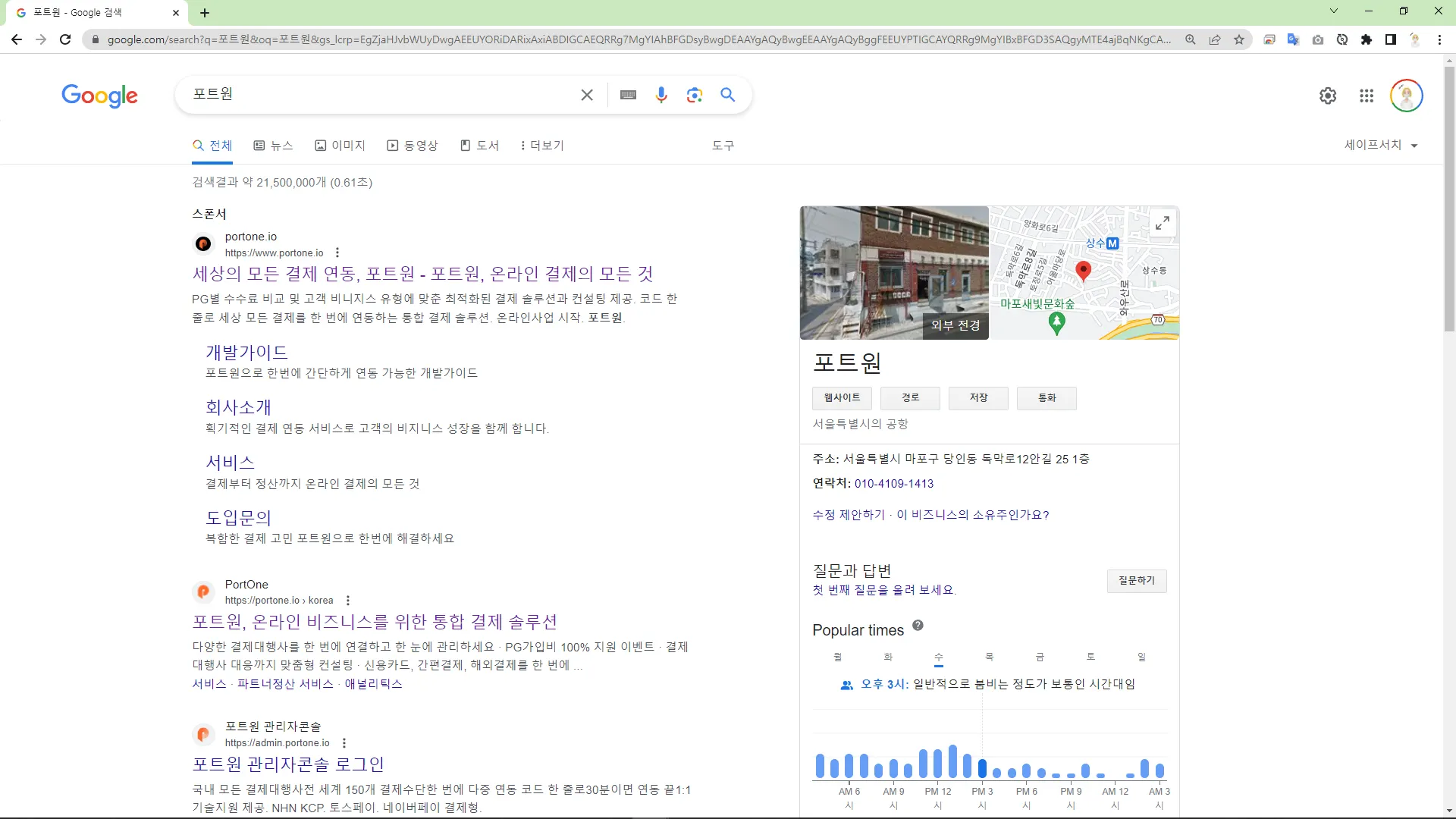
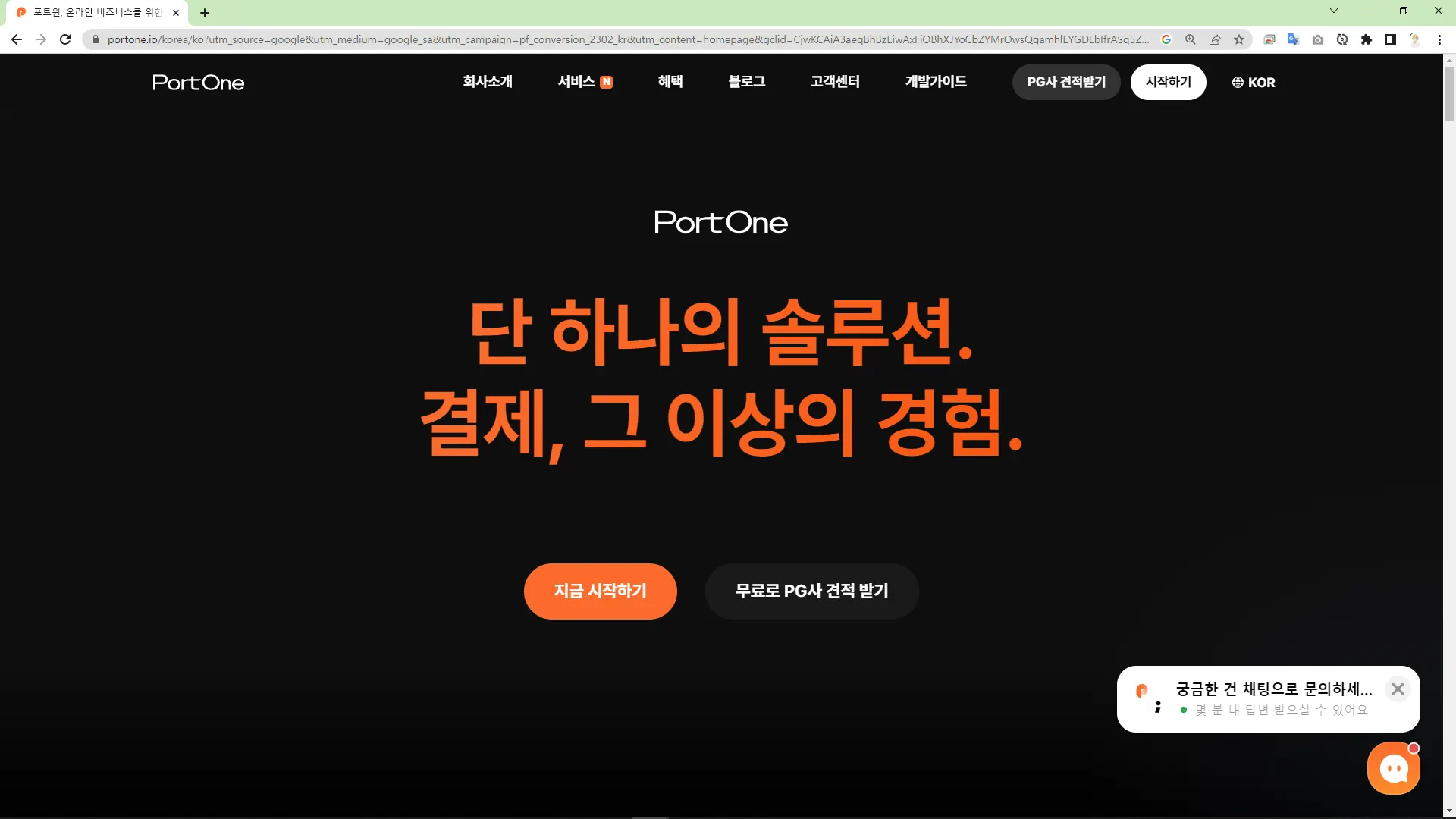
포트원 가입 및 로그인
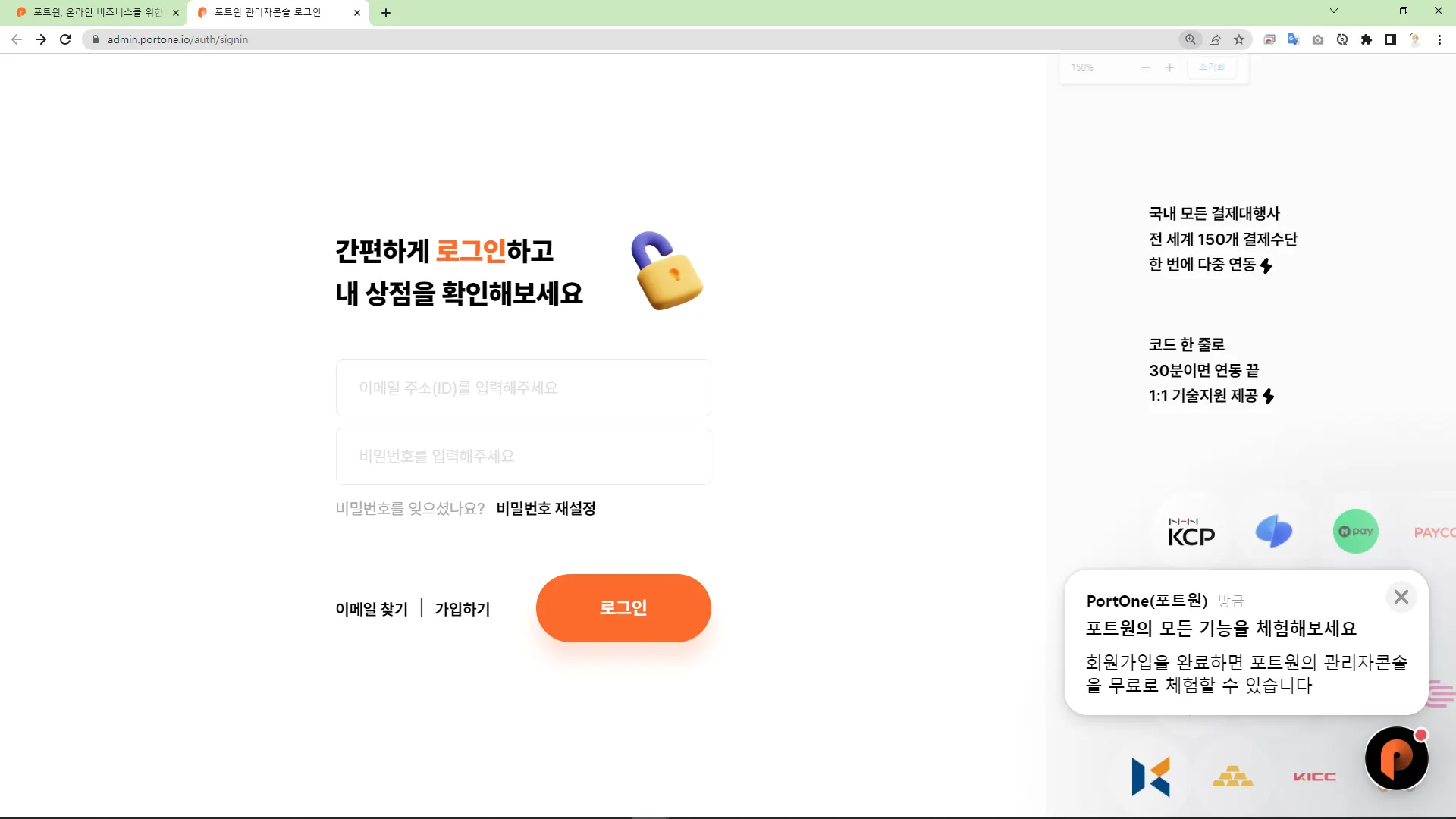
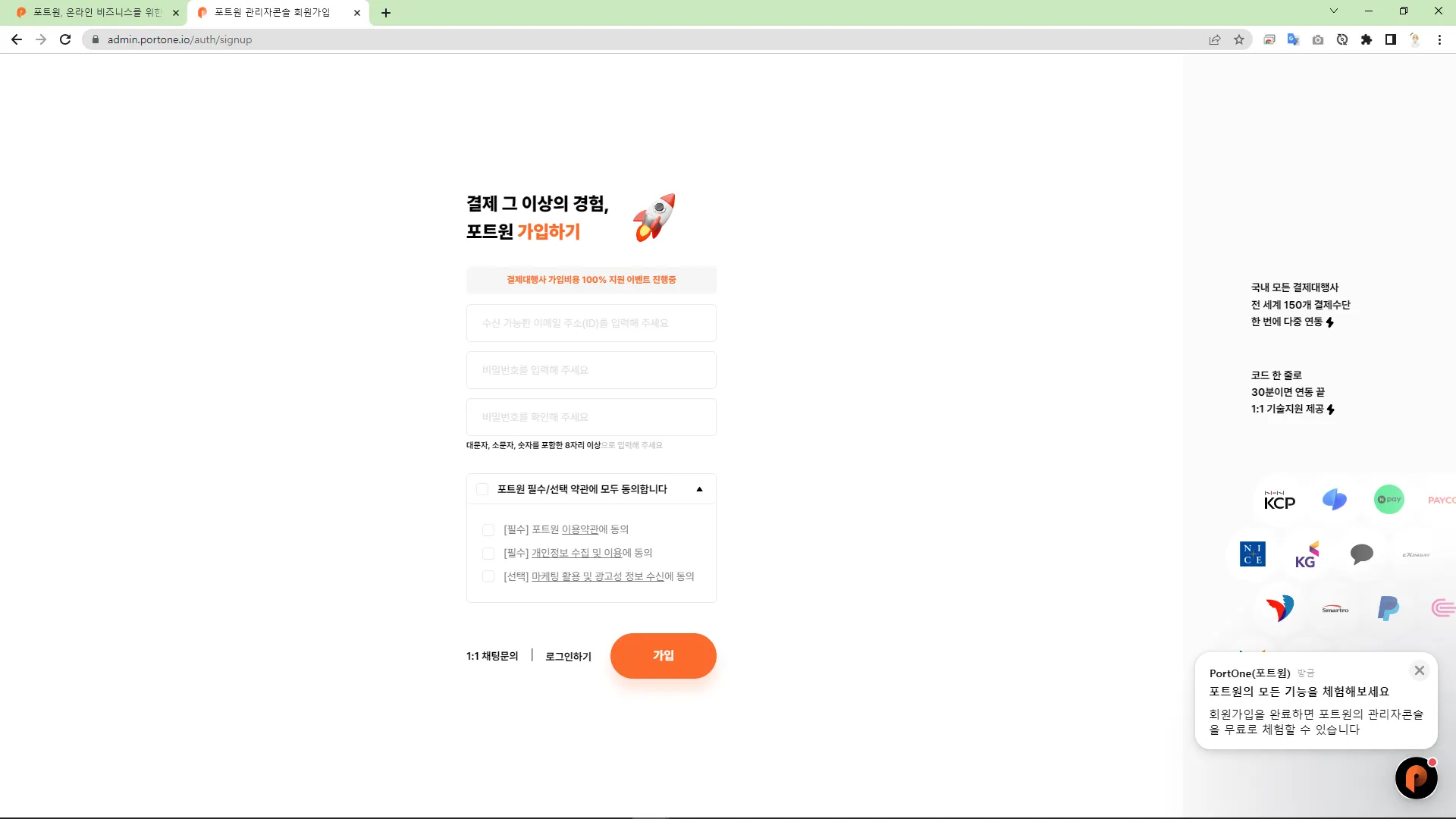
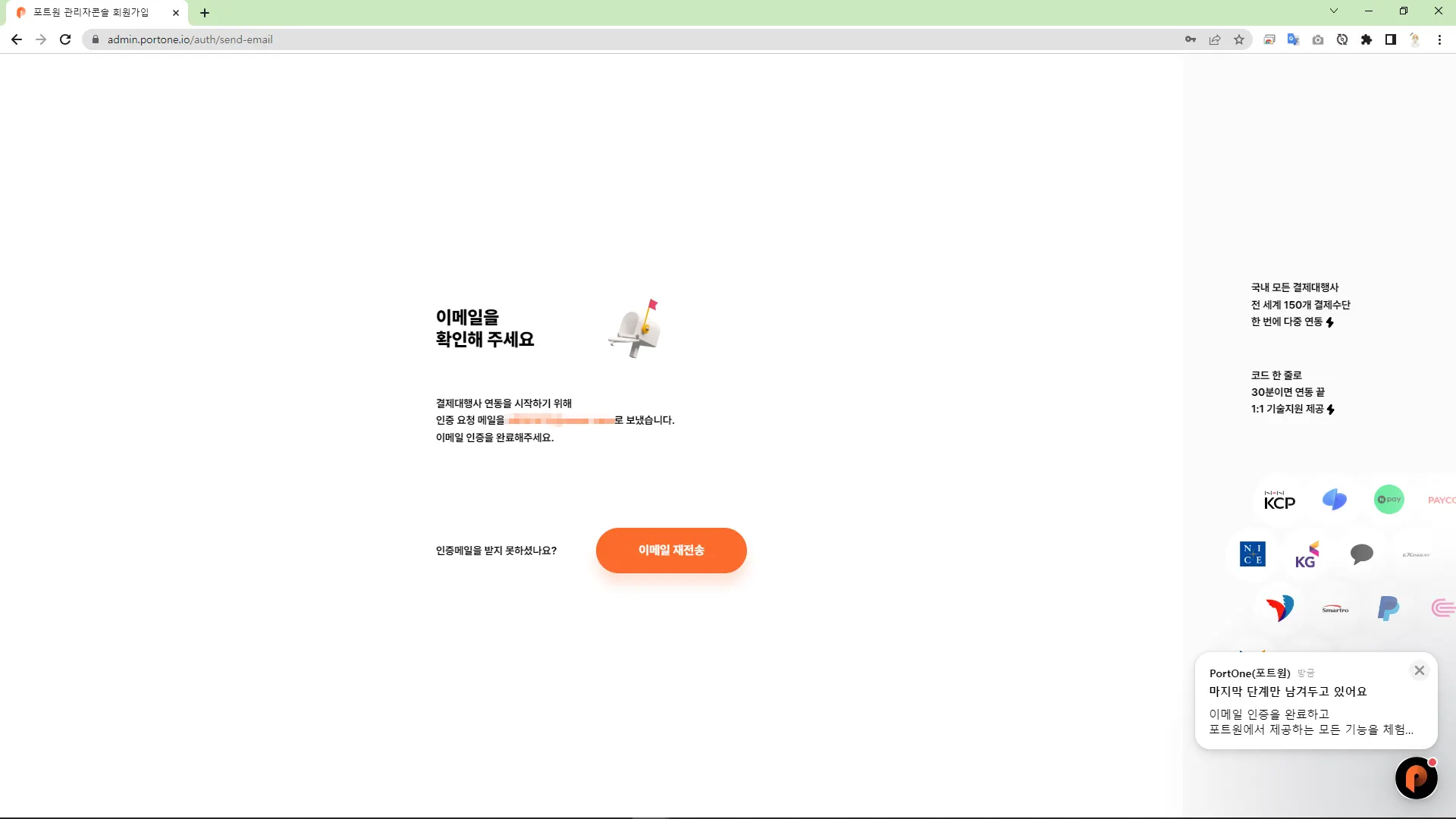
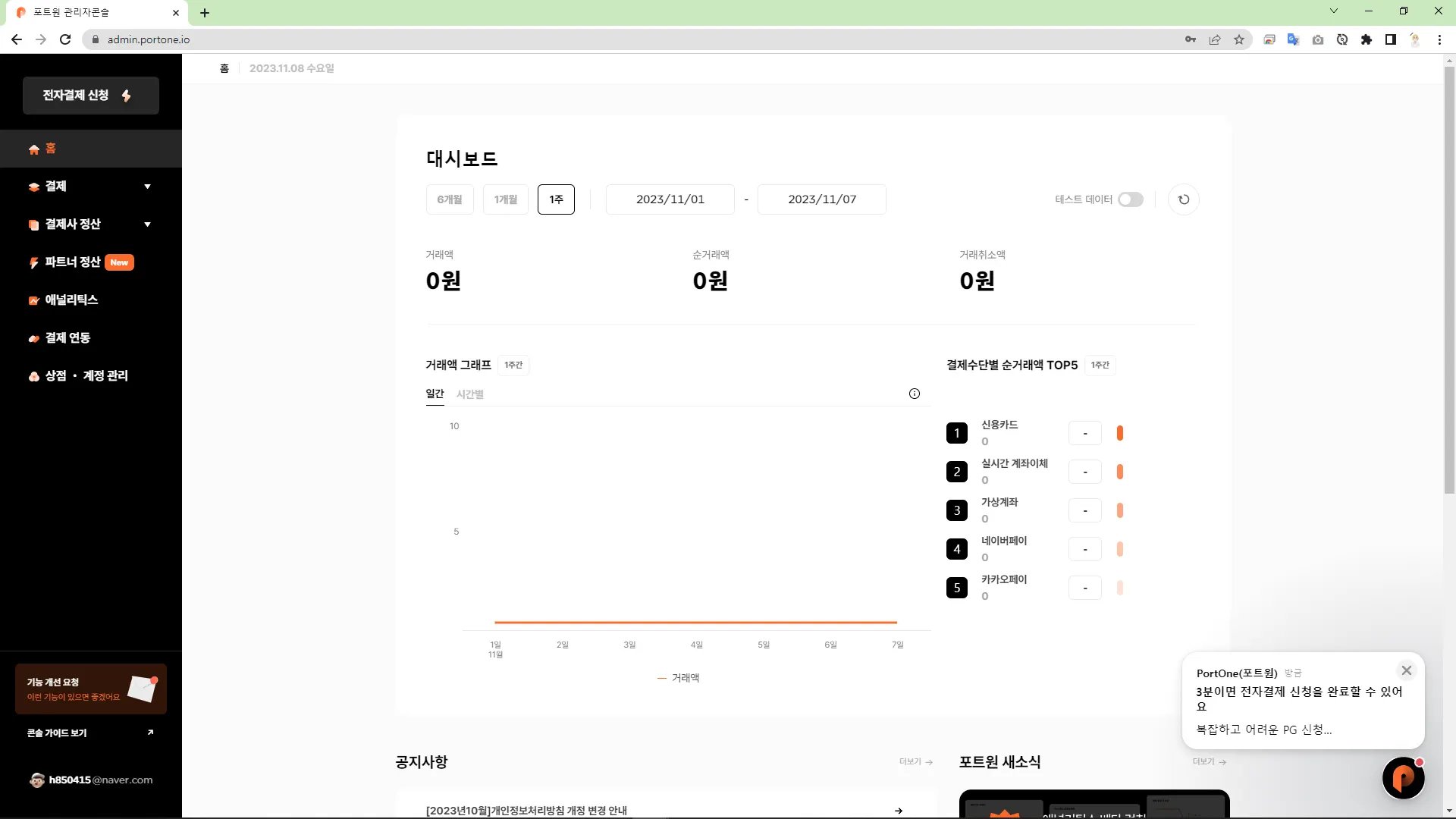
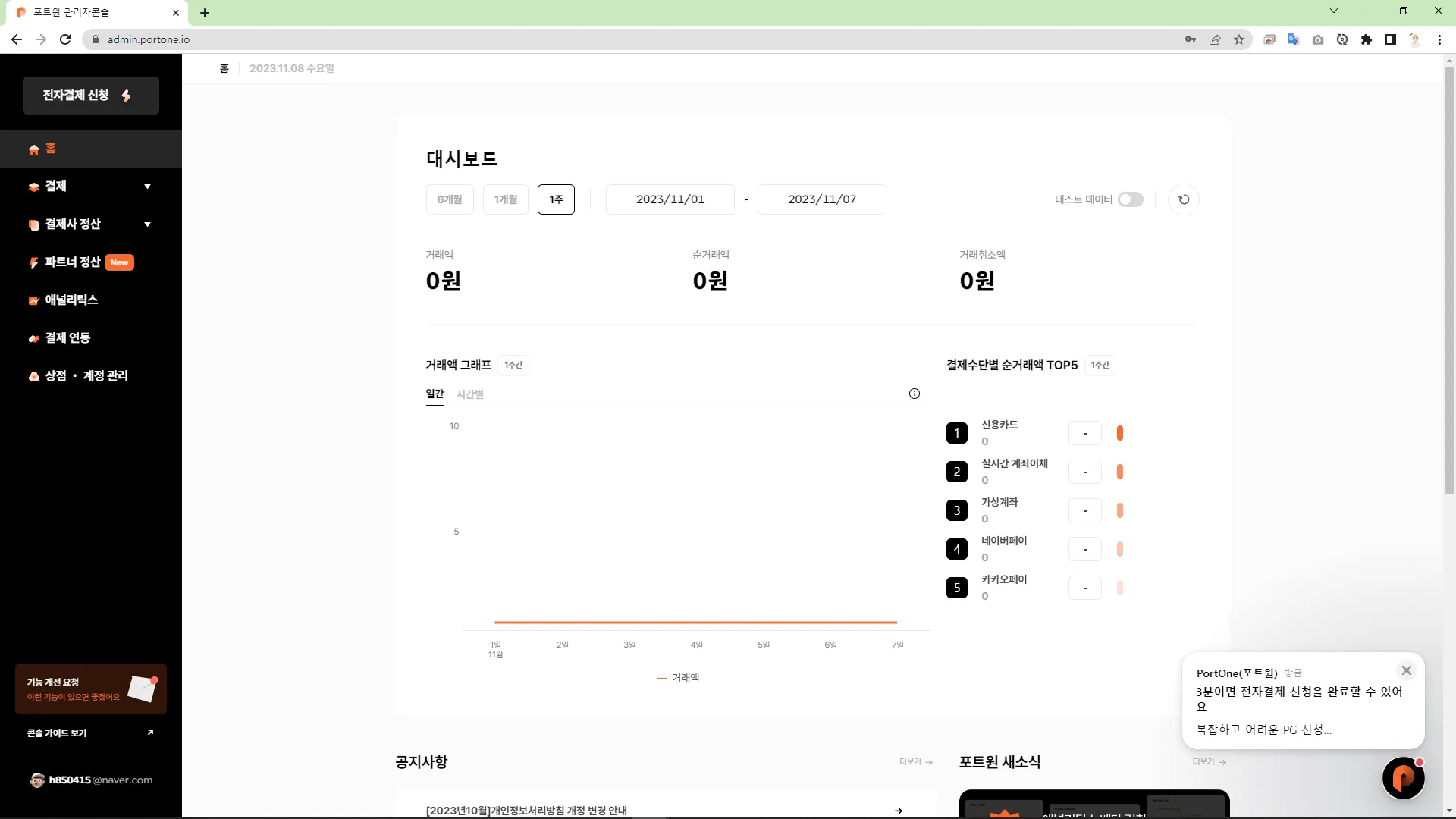
관리자 콘솔

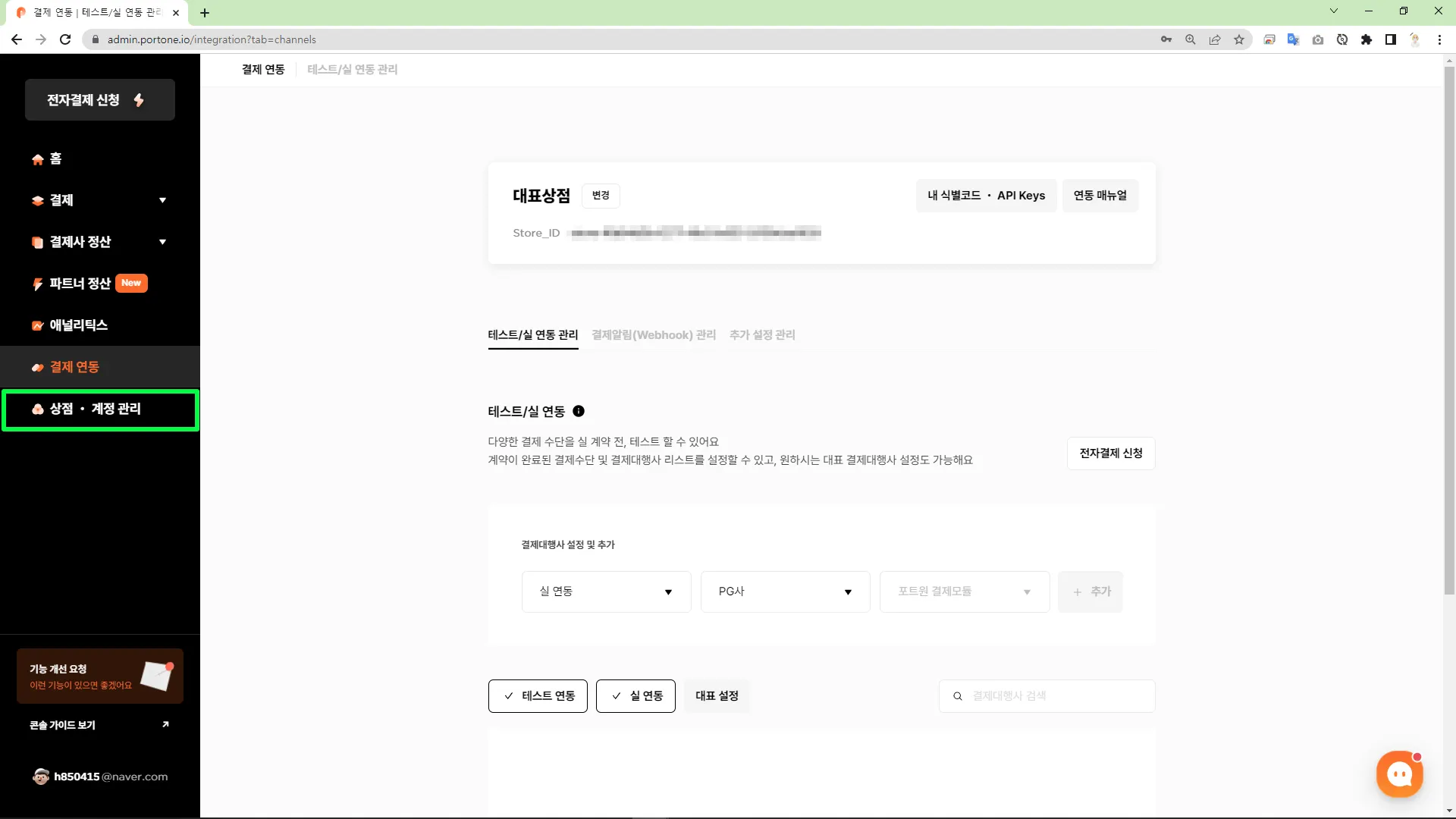
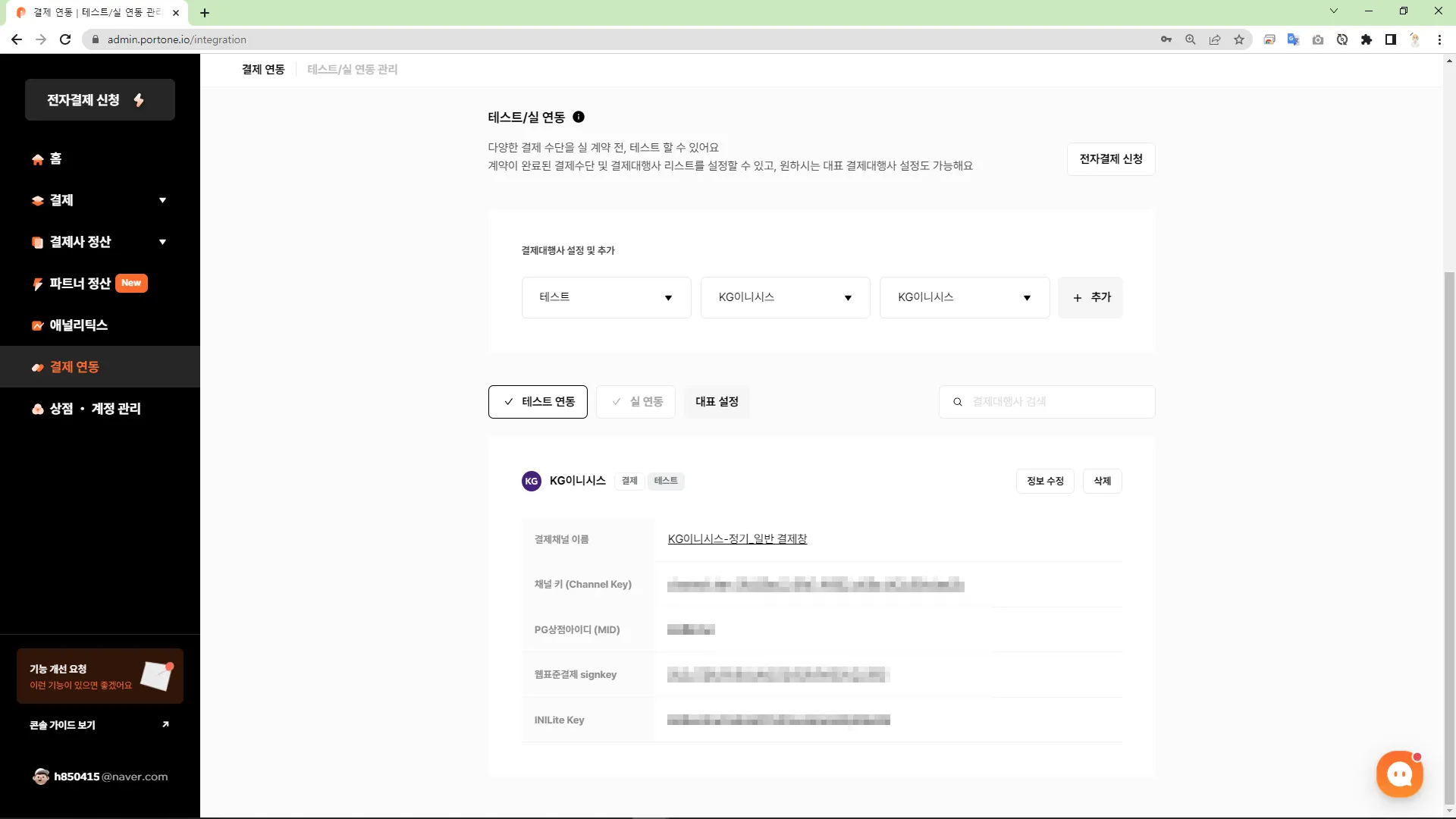
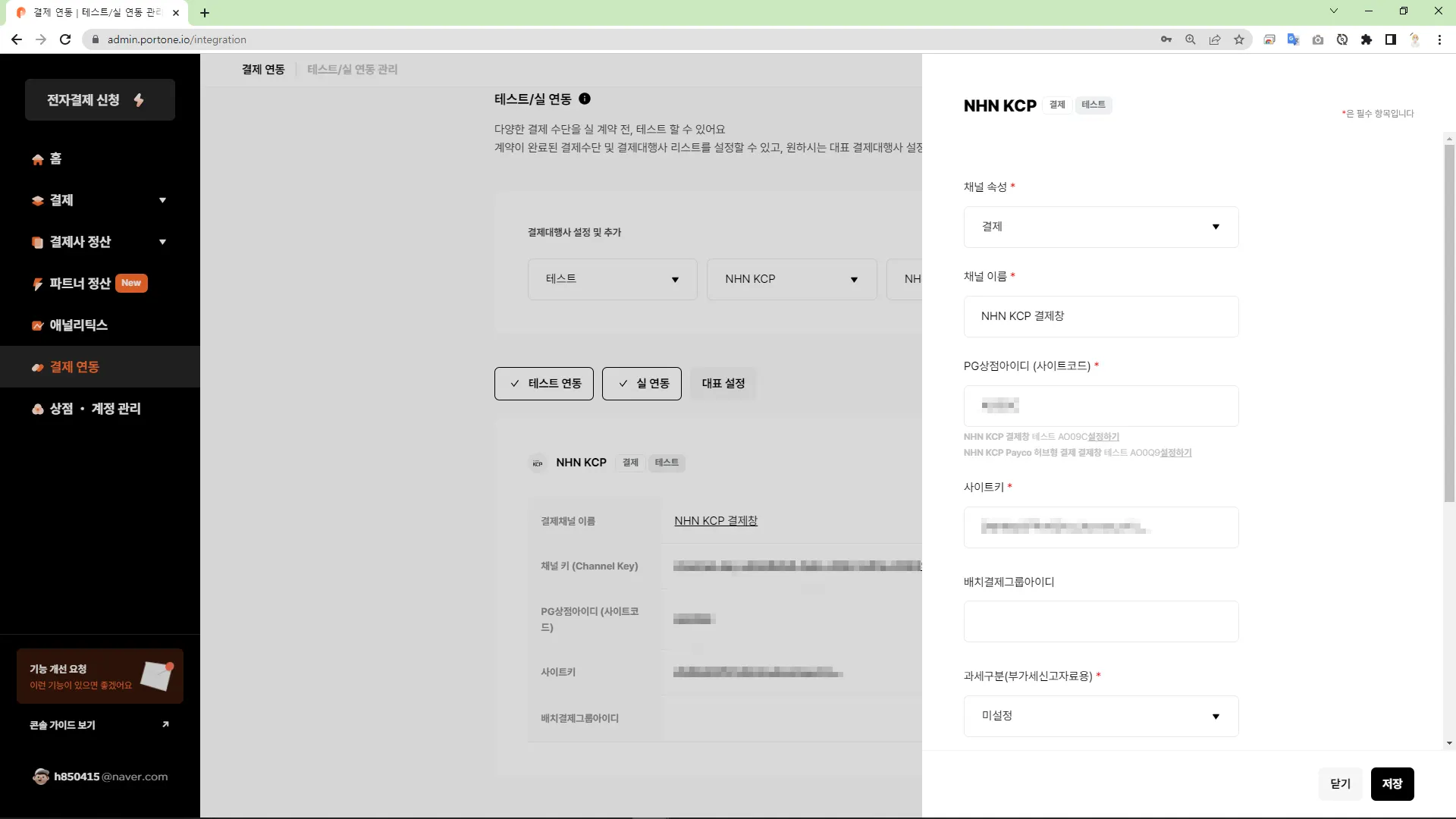
결제 연동
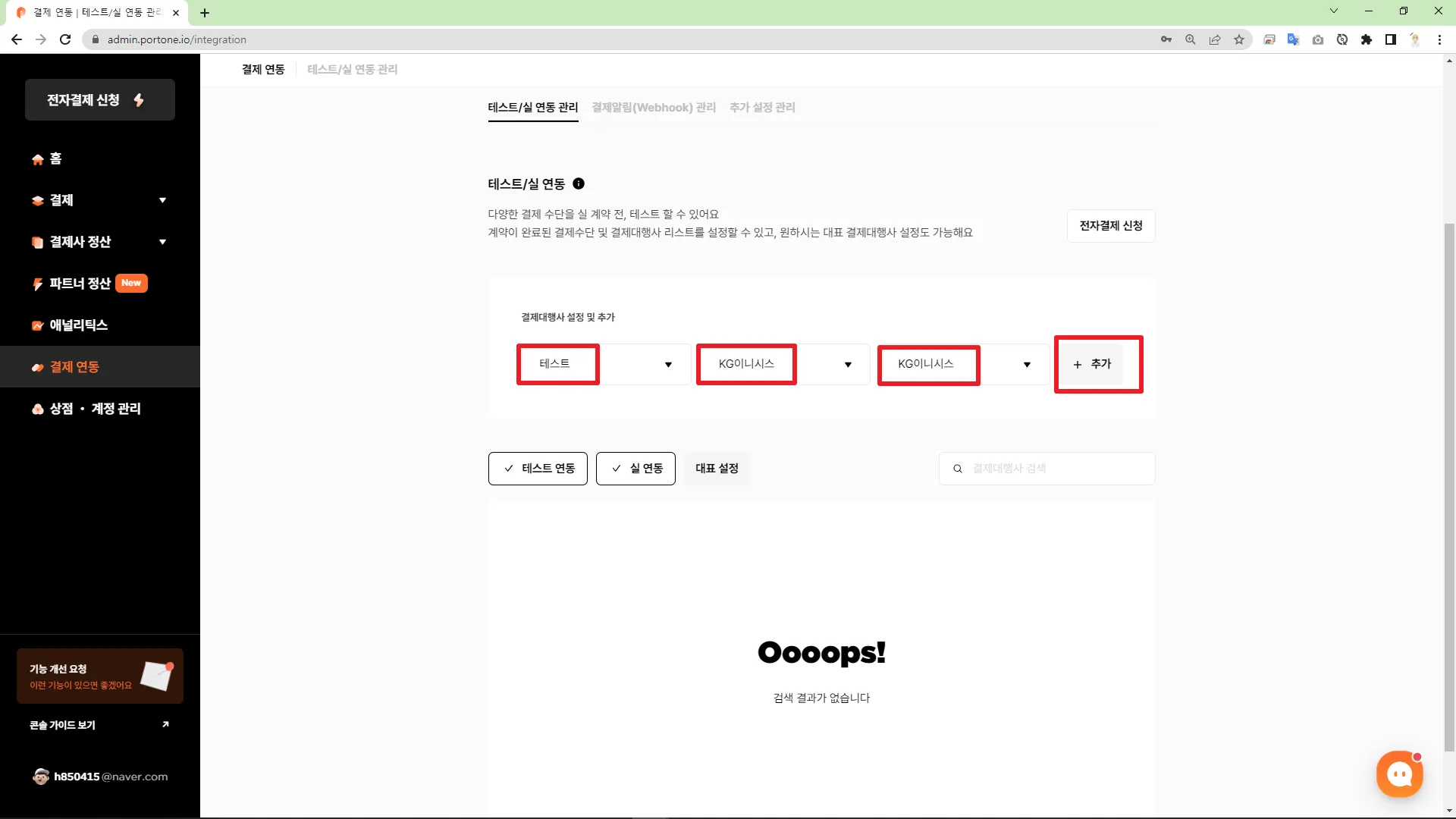
결제 대행사 설정
포트원 라이브러리 추가
객체 초기화 하기
// 2️⃣ 객체 초기화 하기
var IMP = window.IMP;
IMP.init('가맹점 식별코드')
JavaScript
복사
결제 요청하기
•
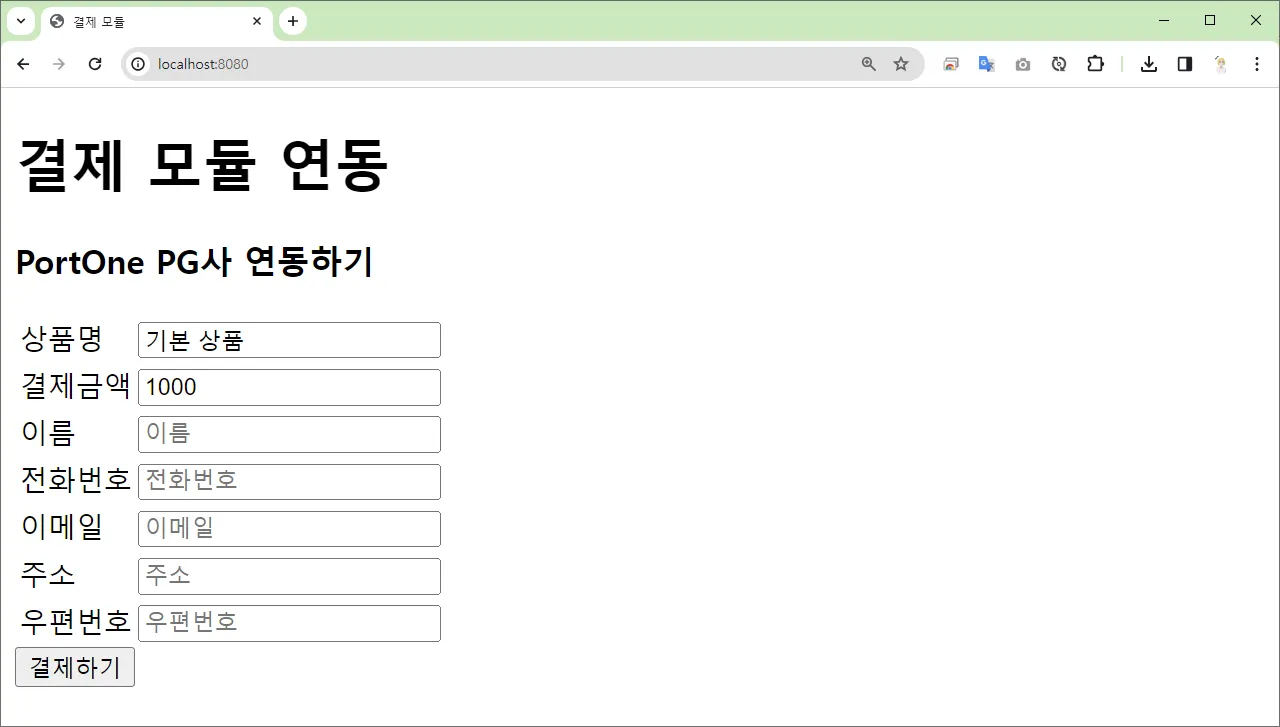
데이터 입력
<h1>결제 모듈 연동</h1>
<h3>PortOne PG사 연동하기</h3>
<table>
<tr>
<td><label for="productName">상품명</label></td>
<td><input type="text" name="productName" id="productName" placeholder="상품명"
value="기본 상품"></td>
</tr>
<tr>
<td><label for="price">결제금액</label></td>
<td><input type="text" name="price" id="price" placeholder="결제금액"
value="1000"></td>
</tr>
<tr>
<td><label for="name">이름</label></td>
<td><input type="text" name="name" id="name" placeholder="이름"></td>
</tr>
<tr>
<td><label for="tel">전화번호</label></td>
<td><input type="text" name="tel" id="tel" placeholder="전화번호"></td>
</tr>
<tr>
<td><label for="email">이메일</label></td>
<td><input type="text" name="email" id="email" placeholder="이메일"></td>
</tr>
<tr>
<td><label for="address">주소</label></td>
<td><input type="text" name="address" id="address" placeholder="주소"></td>
</tr>
<tr>
<td><label for="postcode">우편번호</label></td>
<td><input type="text" name="postcode" id="postcode" placeholder="우편번호"></td>
</tr>
</table>
<div>
<button onclick="requestPay()">결제하기</button>
</div>
HTML
복사
•
결제 요청하기
var today = new Date();
var hours = today.getHours(); // 시
var minutes = today.getMinutes(); // 분
var seconds = today.getSeconds(); // 초
var milliseconds = today.getMilliseconds();
var makeMerchantUid = hours + minutes + seconds + milliseconds;
// 3️⃣ 결제 요청하기
function requestPay() {
// 결제 정보 가져오기
let productName = document.getElementById('productName').value
let price = document.getElementById('price').value
let name = document.getElementById('name').value
let tel = document.getElementById('tel').value
let email = document.getElementById('email').value
IMP.request_pay({
pg : 'kcp', // PG사
pay_method : 'card', // 결제방식
merchant_uid: "IMP"+makeMerchantUid, // 주문번호(상품ID)
name : productName, // 상품명
amount : price, // 결제금액
buyer_email : email, // 결제자 이메일
buyer_name : name, // 결제자 이름
buyer_tel : tel, // 결제자 전화번호
buyer_addr : address, // 결제자 주소
buyer_postcode : postcode, // 결제자 우편번호
// m_redirect_url : "success" // "리디렉션 URL", (리디렉션 방식의 경우 callback은 실행되지 않습니다.)
}, function (rsp) { // callback
if (rsp.success) {
// 결제 성공
console.log(rsp);
// 결제 완료 페이지로 이동
location.href = 'success?result=ok&proudctId=' + ("IMP"+makeMerchantUid)
// 또는 ajax 요청 처리 후 이동
} else {
// 결제 실패
console.log(rsp);
}
});
}
JavaScript
복사
결제 결과 처리하기
결제 연동 전체 코드
•
index.html
•
success.html
index.html
<!DOCTYPE html>
<html lang="en">
<head>
<meta charset="UTF-8">
<meta name="viewport" content="width=device-width, initial-scale=1.0">
<title>결제 모듈</title>
</head>
<body>
<h1>결제 모듈 연동</h1>
<h3>PortOne PG사 연동하기</h3>
<table>
<tr>
<td><label for="productName">상품명</label></td>
<td><input type="text" name="productName" id="productName" placeholder="상품명"
value="기본 상품"></td>
</tr>
<tr>
<td><label for="price">결제금액</label></td>
<td><input type="text" name="price" id="price" placeholder="결제금액"
value="1000"></td>
</tr>
<tr>
<td><label for="name">이름</label></td>
<td><input type="text" name="name" id="name" placeholder="이름"></td>
</tr>
<tr>
<td><label for="tel">전화번호</label></td>
<td><input type="text" name="tel" id="tel" placeholder="전화번호"></td>
</tr>
<tr>
<td><label for="email">이메일</label></td>
<td><input type="text" name="email" id="email" placeholder="이메일"></td>
</tr>
<tr>
<td><label for="address">주소</label></td>
<td><input type="text" name="address" id="address" placeholder="주소"></td>
</tr>
<tr>
<td><label for="postcode">우편번호</label></td>
<td><input type="text" name="postcode" id="postcode" placeholder="우편번호"></td>
</tr>
</table>
<div>
<button onclick="requestPay()">결제하기</button>
</div>
<!-- 1️⃣ 포트원 라이브러리 추가 -->
<script src="https://cdn.iamport.kr/v1/iamport.js"></script>
<script>
// 2️⃣ 객체 초기화 하기
var IMP = window.IMP;
IMP.init('가맹점 식별코드')
var today = new Date();
var hours = today.getHours(); // 시
var minutes = today.getMinutes(); // 분
var seconds = today.getSeconds(); // 초
var milliseconds = today.getMilliseconds();
var makeMerchantUid = hours + minutes + seconds + milliseconds;
// 3️⃣ 결제 요청하기
function requestPay() {
// 결제 정보 가져오기
let productName = document.getElementById('productName').value
let price = document.getElementById('price').value
let name = document.getElementById('name').value
let tel = document.getElementById('tel').value
let email = document.getElementById('email').value
IMP.request_pay({
pg : 'kcp', // PG사
pay_method : 'card', // 결제방식
merchant_uid: "IMP"+makeMerchantUid, // 주문번호(상품ID)
name : productName, // 상품명
amount : price, // 결제금액
buyer_email : email, // 결제자 이메일
buyer_name : name, // 결제자 이름
buyer_tel : tel, // 결제자 전화번호
buyer_addr : address, // 결제자 주소
buyer_postcode : postcode, // 결제자 우편번호
// m_redirect_url : "success" // "리디렉션 URL", (리디렉션 방식의 경우 callback은 실행되지 않습니다.)
}, function (rsp) { // callback
if (rsp.success) {
// 결제 성공
console.log(rsp);
// 결제 완료 페이지로 이동
location.href = 'success?result=ok&proudctId=' + ("IMP"+makeMerchantUid)
// 또는 ajax 요청 처리 후 이동
} else {
// 결제 실패
console.log(rsp);
}
});
}
</script>
</body>
</html>
HTML
복사
success.html
<!DOCTYPE html>
<html lang="en">
<head>
<meta charset="UTF-8">
<meta name="viewport" content="width=device-width, initial-scale=1.0">
<title>결제 완료</title>
</head>
<body>
<h1>결제 완료</h1>
<h3>결제가 성공적으로 처리 되었습니다!</h3>
</body>
</html>
HTML
복사
테스트
1.
결제 정보 입력
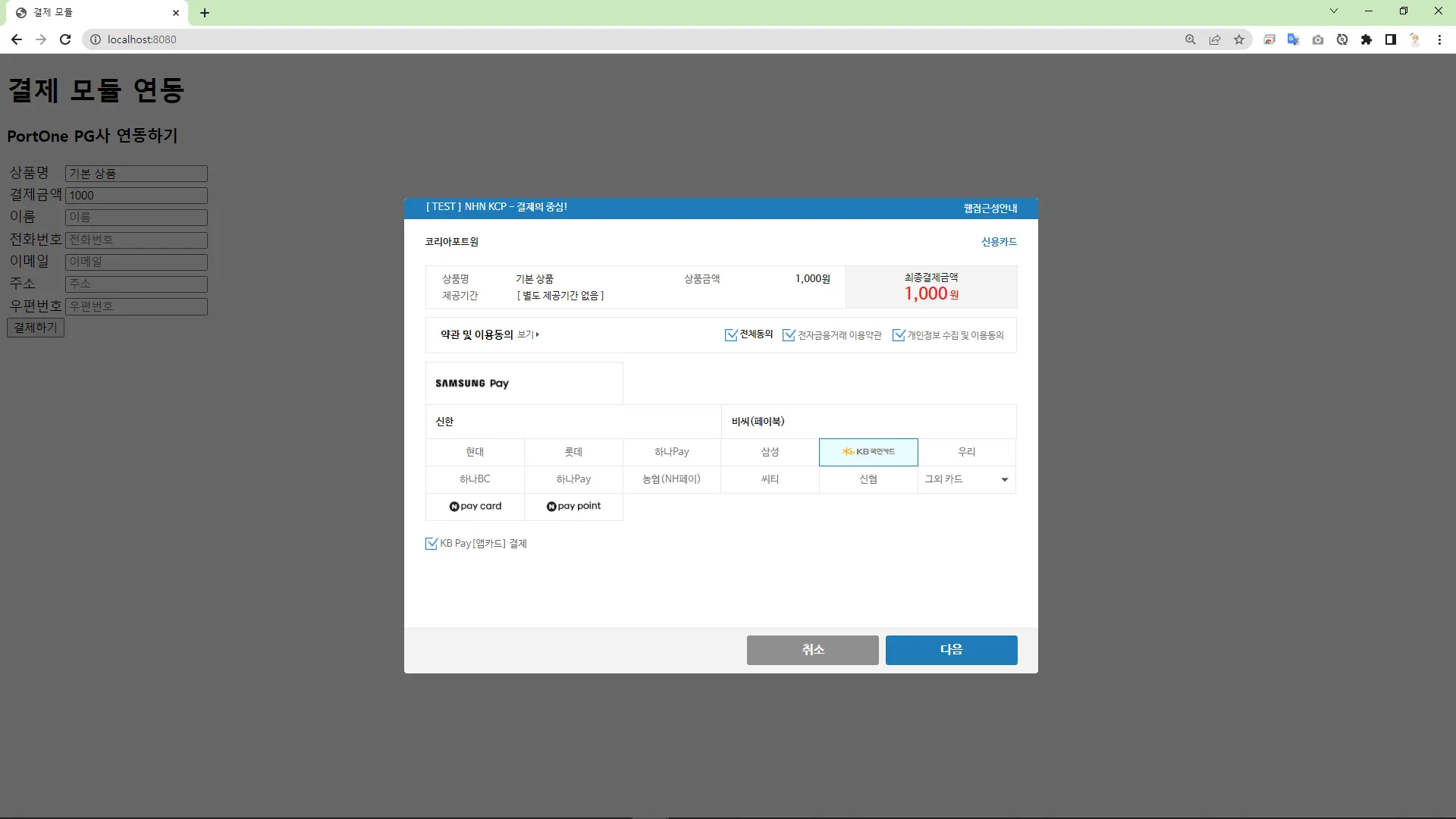
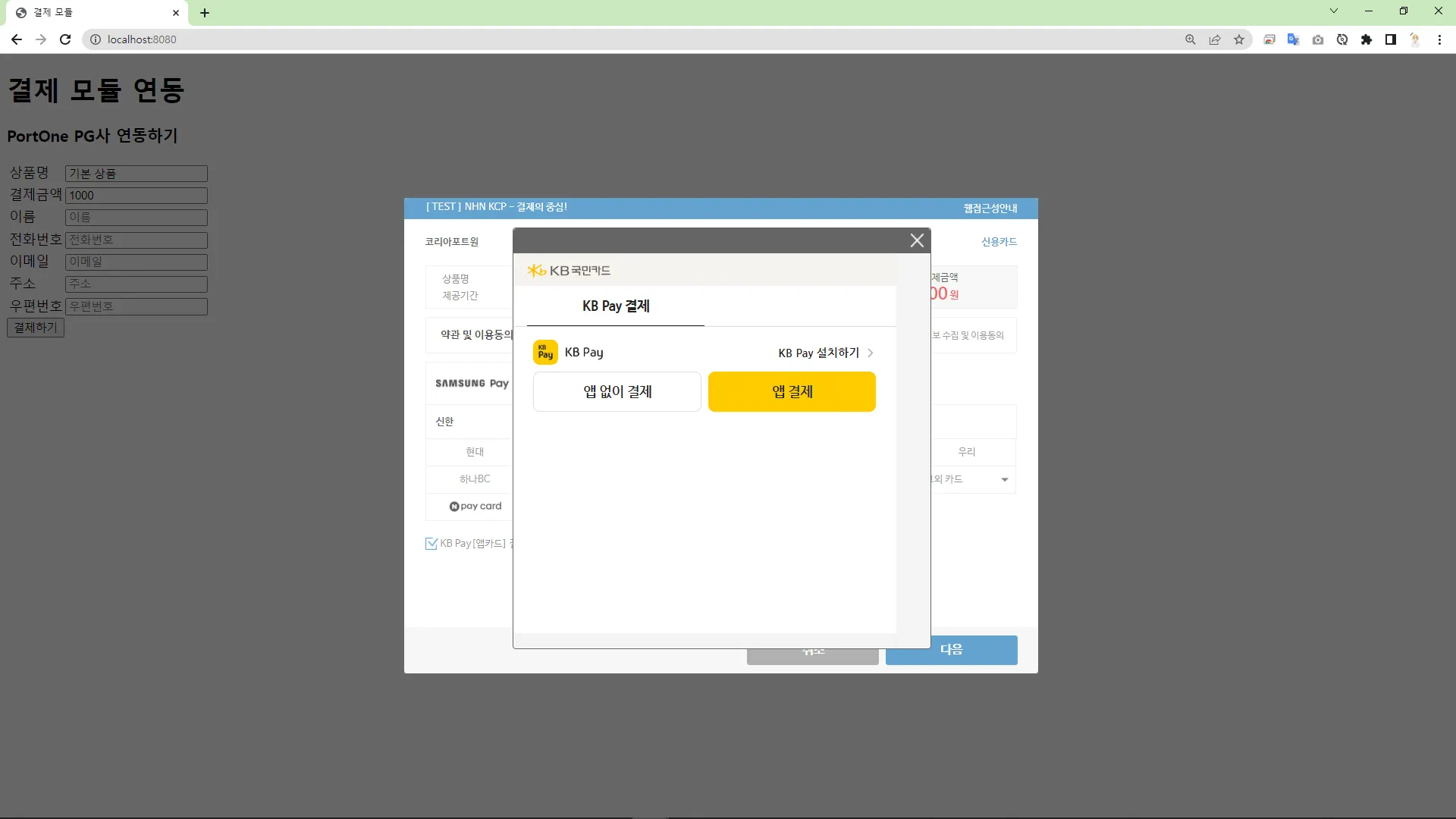
2.
결제 요청
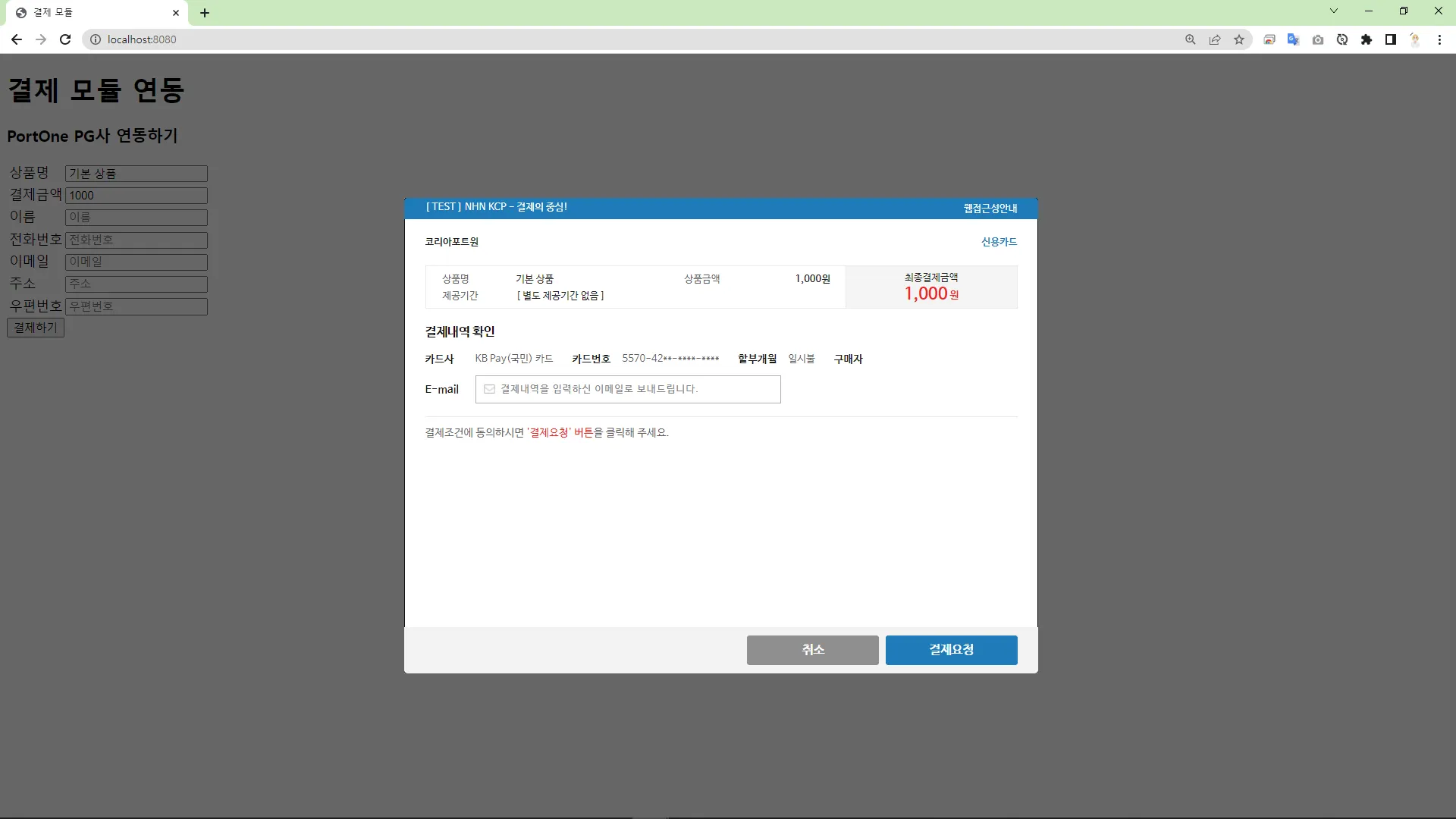
3.
결제 완료