




express

Node.js를 위한 웹 애플리케이션 프레임워크
정의
•
빠르고 간편한 방식으로 웹 및 모바일 애플리케이션을 개발할 수 있게 해줍니다.
•
라우팅, 미들웨어, 템플릿 엔진 등 다양한 기능을 제공하여 개발자가 유연하게 웹 애플리케이션을 구축할 수 있습니다.
주요기능
기능 | 설명 |
최소한의 기능 | 핵심적인 웹 애플리케이션 기능만 제공하여 개발자가 자신의 요구에 맞게 프레임워크를 쉽게 커스터마이징할 수 있습니다. |
라우팅 | 사용자의 요청을 특정 핸들러로 매핑합니다. |
미들웨어 | 요청과 응답을 처리하는 데 사용되는 함수입니다. 로깅, 인증, 콘텐츠 협상 등 다양한 용도로 사용할 수 있습니다. |
템플릿 | 애플리케이션의 동적 콘텐츠를 생성하는 데 사용됩니다. |
테스트 | 모듈식 설계와 활발한 개발자 커뮤니티 덕분에 테스트하기 쉽습니다. |
express 설치
 사전 설치 : node

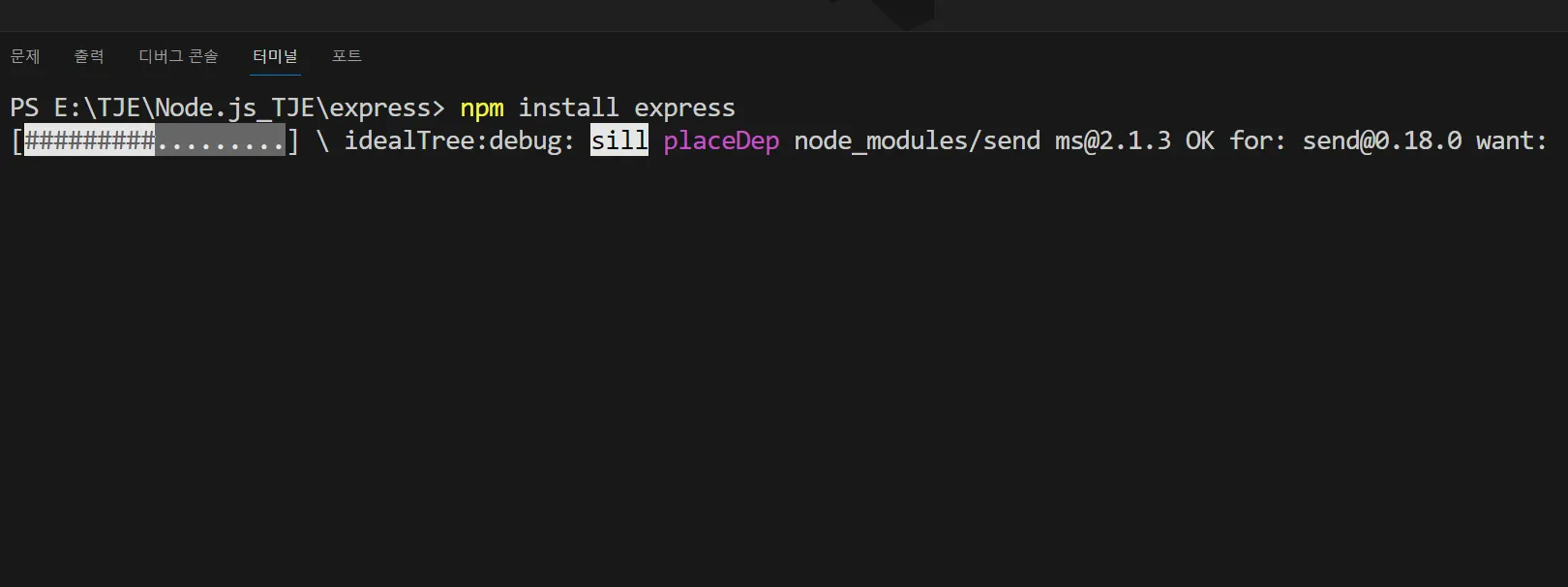
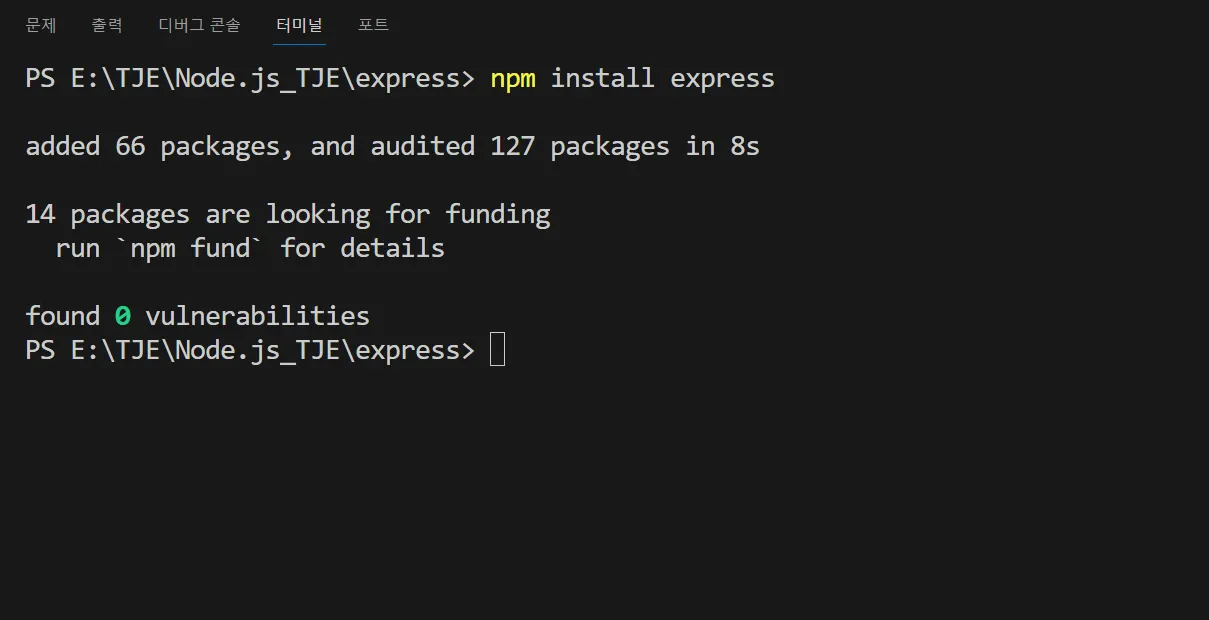
express 는 npm 명령으로 설치합니다.
npm install express
Shell
복사
express 프로젝트 생성 및 실행
📦 start
|-- 📦public
| |-- 📄 index.html
| |-- 📄 styles.css
|-- 📄 app.js
|-- 📄 package.json
JavaScript
복사
1.
npm init
2.
app.js
3.
index.html
4.
package.json
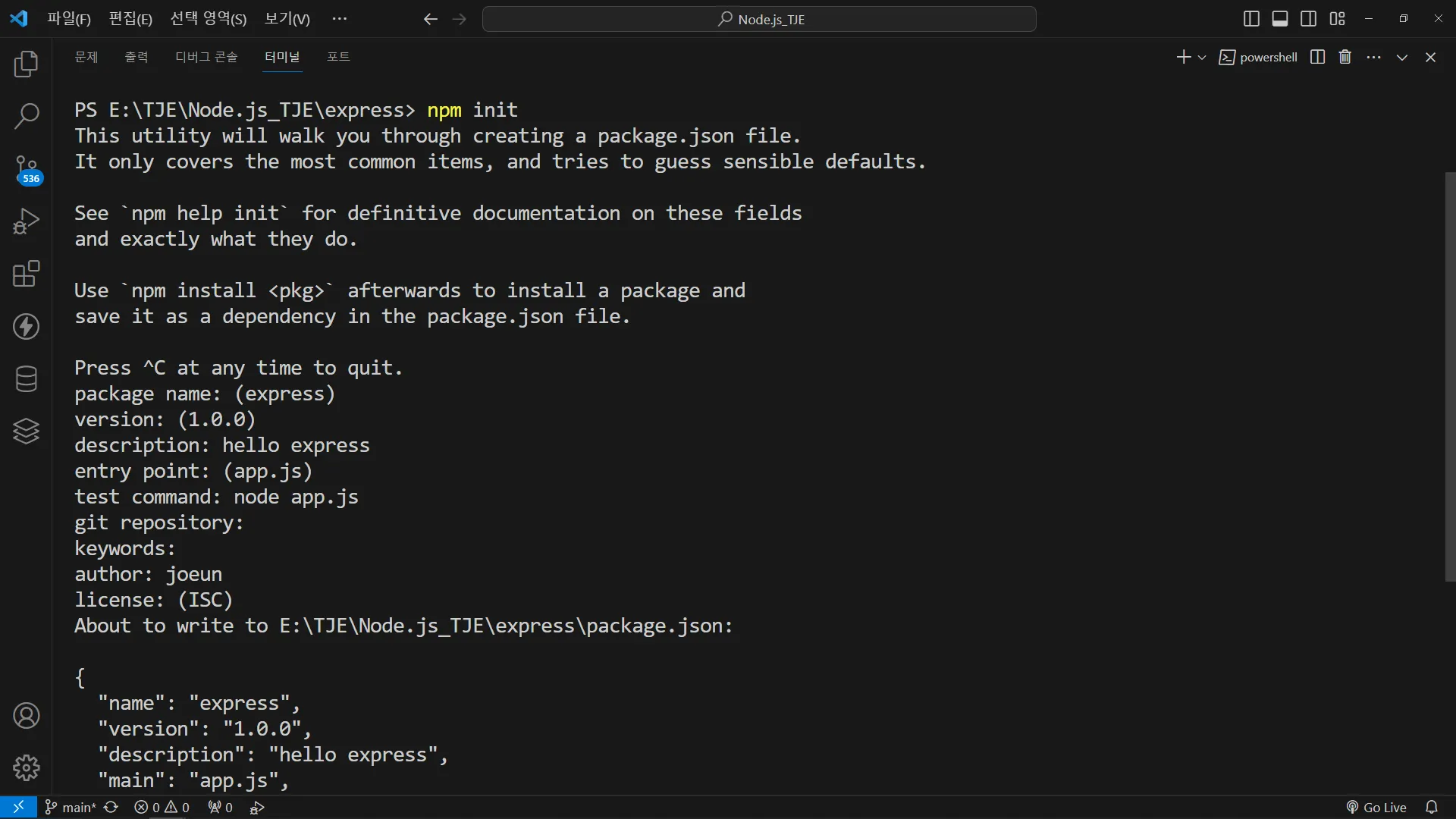
npm init
npm init
Shell
복사
npm init 명령어는 Node.js 프로젝트를 시작할 때 사용하는 명령어로, package.json 파일을 생성합니다. 이 파일은 프로젝트의 메타데이터와 의존성 패키지 정보를 담고 있습니다. npm init은 프로젝트를 초기화할 때 여러 가지 설정을 입력받아 package.json 파일을 생성하므로, Express.js 프로젝트에서도 사용하는 것이 좋습니다.
app.js
const express = require('express');
const path = require('path');
const app = express();
const port = 3000;
// 정적 파일 제공
app.use(express.static(path.join(__dirname, 'public')));
// 루트 경로에 접근하면 index.html을 응답
app.get('/', (req, res) => {
res.sendFile(path.join(__dirname, 'public', 'index.html'));
});
app.listen(port, () => {
console.log(`Example app listening on port ${port}`);
});
JavaScript
복사
./public/index.html
<!DOCTYPE html>
<html lang="en">
<head>
<meta charset="UTF-8">
<meta name="viewport" content="width=device-width, initial-scale=1.0">
<title>Express.js Example</title>
</head>
<body>
<h1>Hello, Express.js!</h1>
</body>
</html>
HTML
복사
package.json
{
"name": "express",
"version": "1.0.0",
"description": "hello express",
"main": "app.js",
"scripts": {
"start": "node app.js"
},
"author": "joeun",
"license": "ISC",
"dependencies": {
"express": "^4.18.2"
}
}
JavaScript
복사
서버 실행
node app
Shell
복사
npm start
Shell
복사
package.json 의 scripts 속성의 start 명령을 실행시킵니다.