




카카오 로그인 기본 프로젝트

프로젝트 목표

Spring Security, OAuth2 Client 의존성을 사용하여, 단순히 OAuth 인증 설정을 통해 카카오 로그인을 구현
Code

Preview
1.
2.
3.
작업 프로세스
1.
2.
4.
Preview
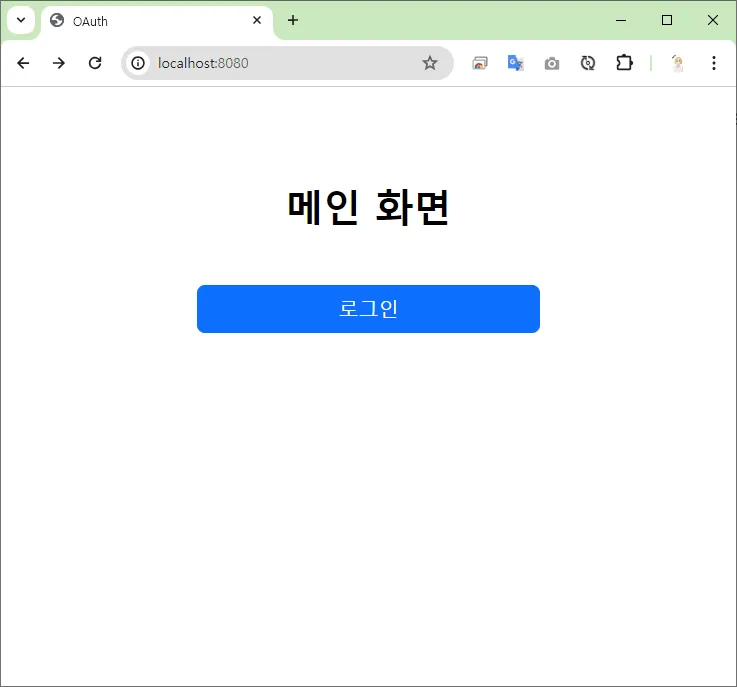
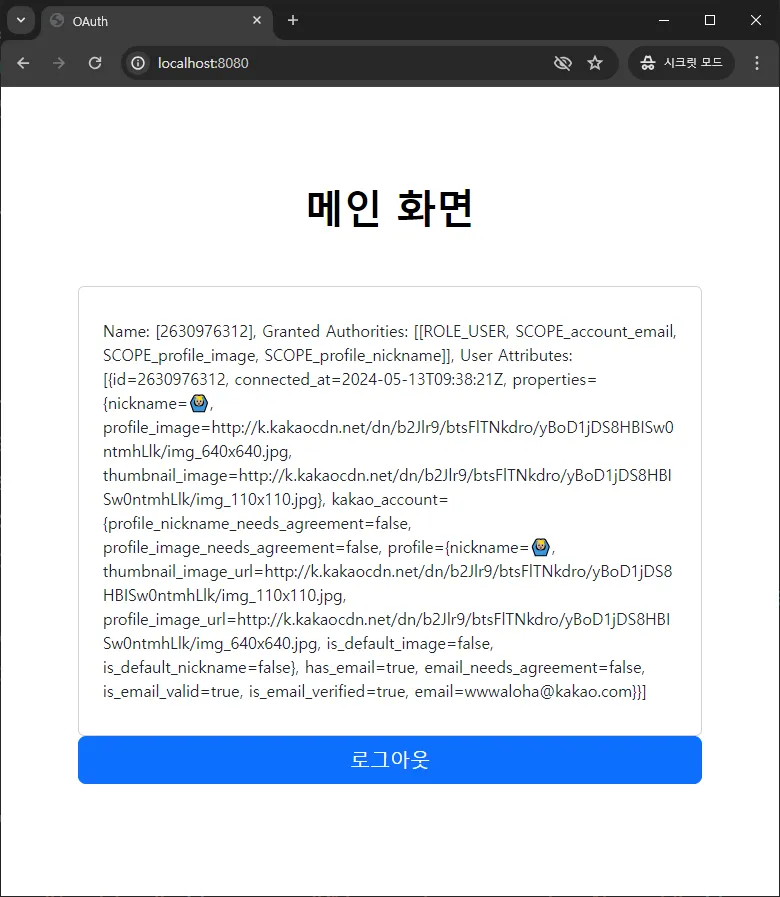
메인 화면
로그인 화면
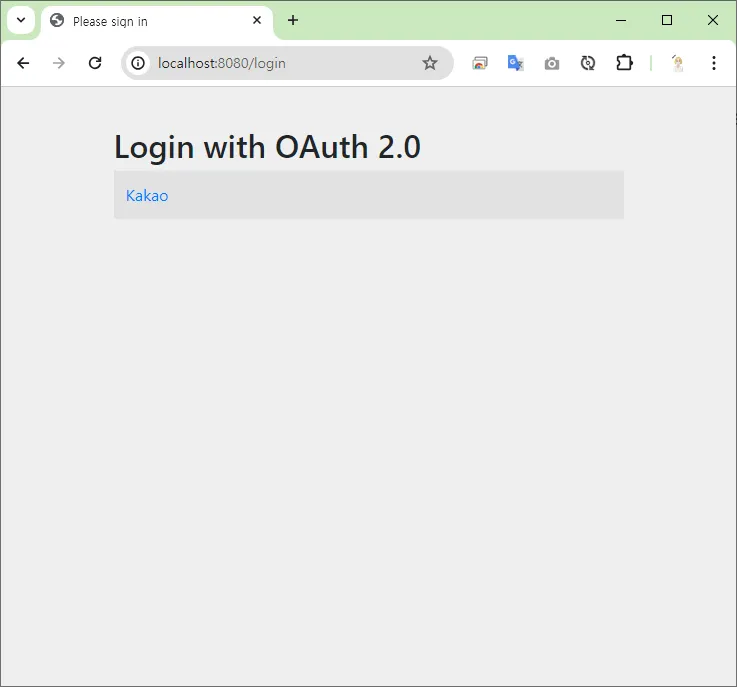
로그인
1.
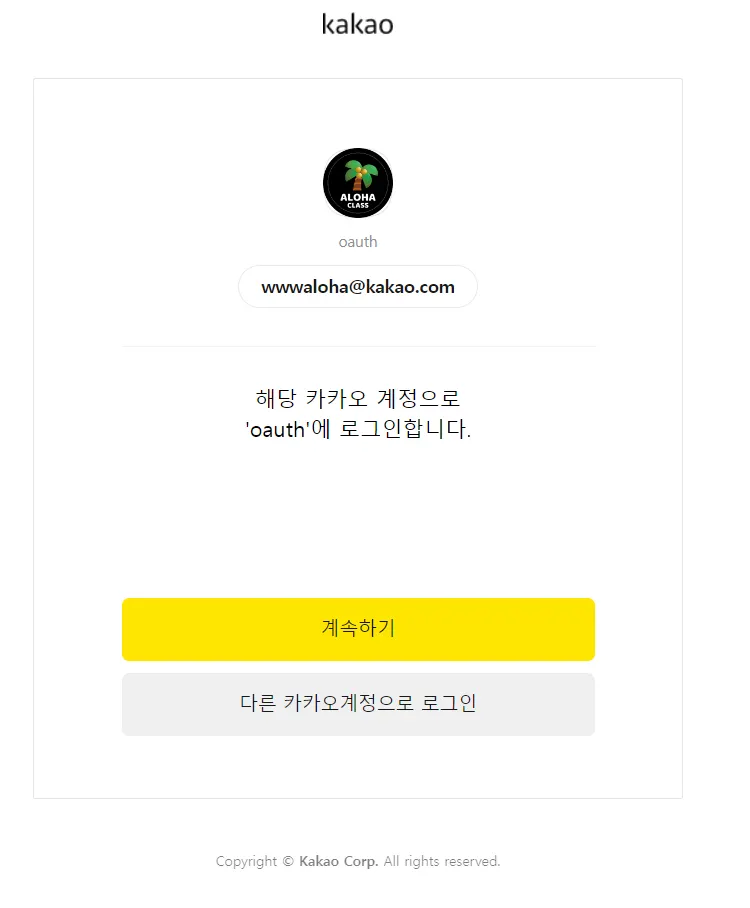
카카오 로그인
2.
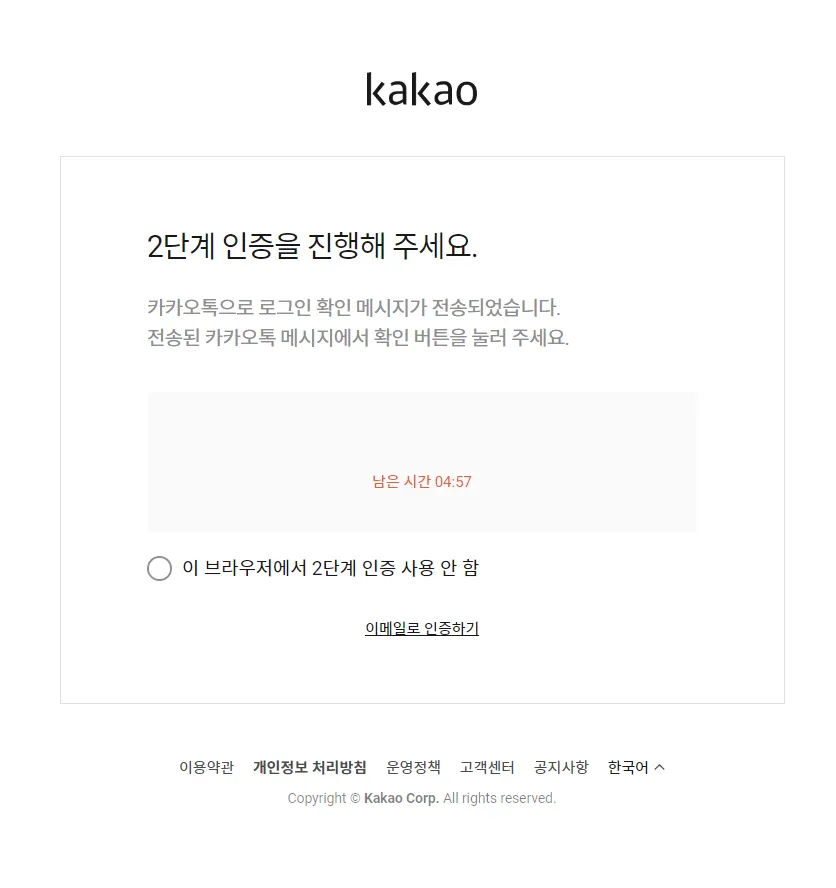
2단계 인증
카카오 로그인
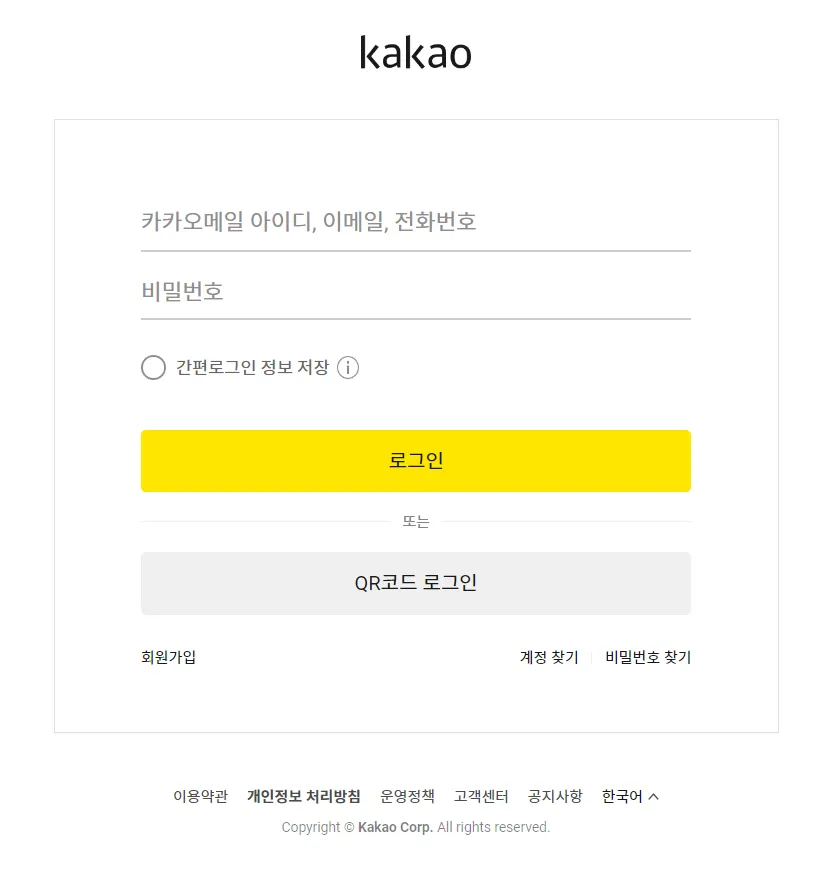
2단계 인증
메인 화면 (로그인 완료)
작업 프로세스
1.
프로젝트 생성
•
 build.gradle
•
spring boot version : 2.x.x
•
spring security version : 5.x.x
•
의존성 설정
◦
Spring Web
◦
Spring Boot DevTools
◦
Spring Security
◦
OAuth2 Client
◦
Lombok
◦
Thymeleaf
2.
프로젝트 설정
•
profile 파일 생성하기
◦
application-oauth.properties•
profile 파일 포함하기
◦
application.properties spring.profiles.include=oauth
Plain Text
복사
3.
스프링 시큐리티 설정
•
~/config/SecurityConfig.java4.
요청 경로 매핑
•
~/controller/HomController.java◦
메인 화면
▪
 : /
: /▪
index.html프로젝트 생성
1.
프로젝트 생성
2.
프로젝트 설정
3.
의존성 설정
4.
build.gradle
명령 팔레트 [ctrl + shift + P]
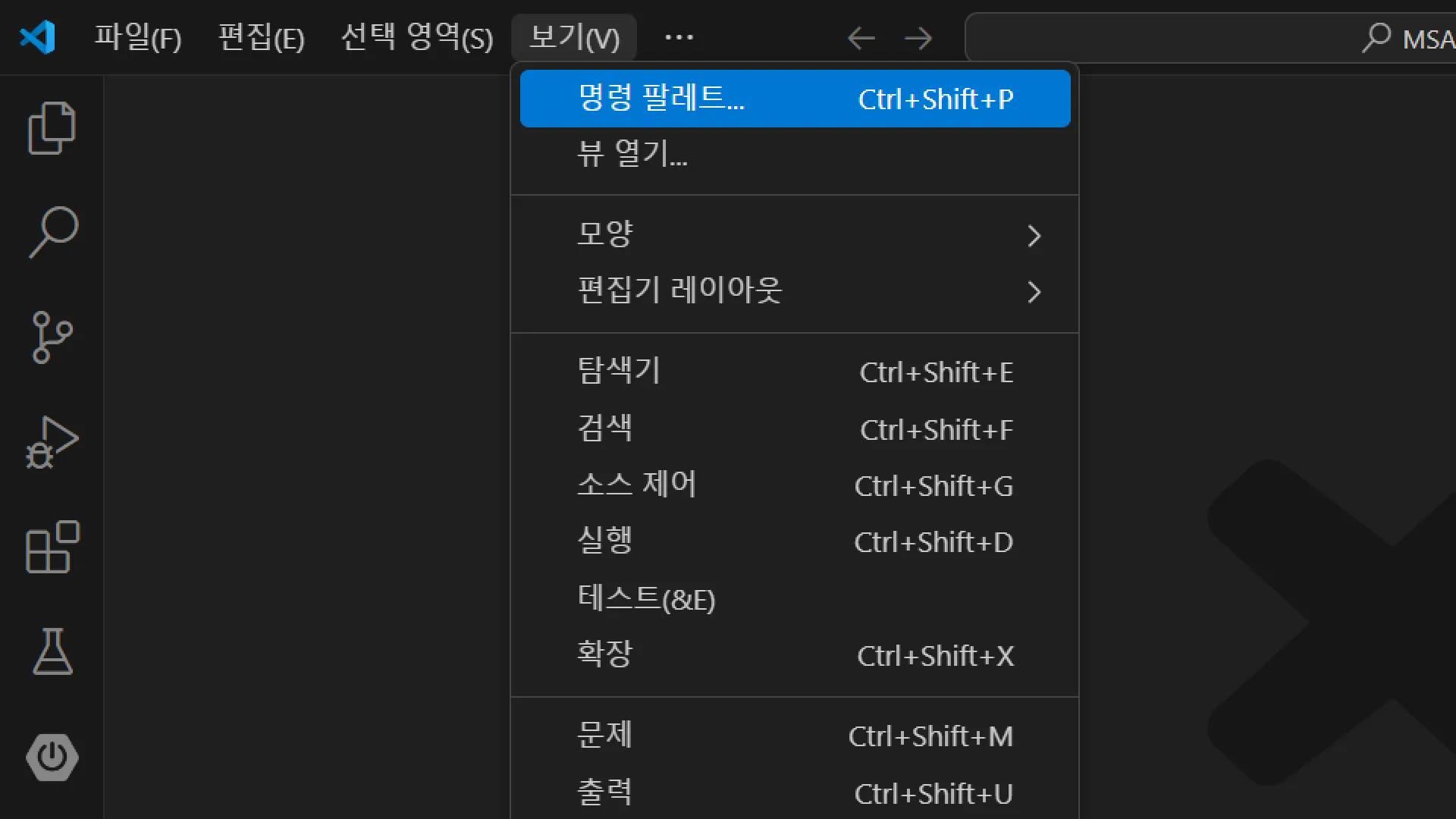
Create a gradle Project 입력
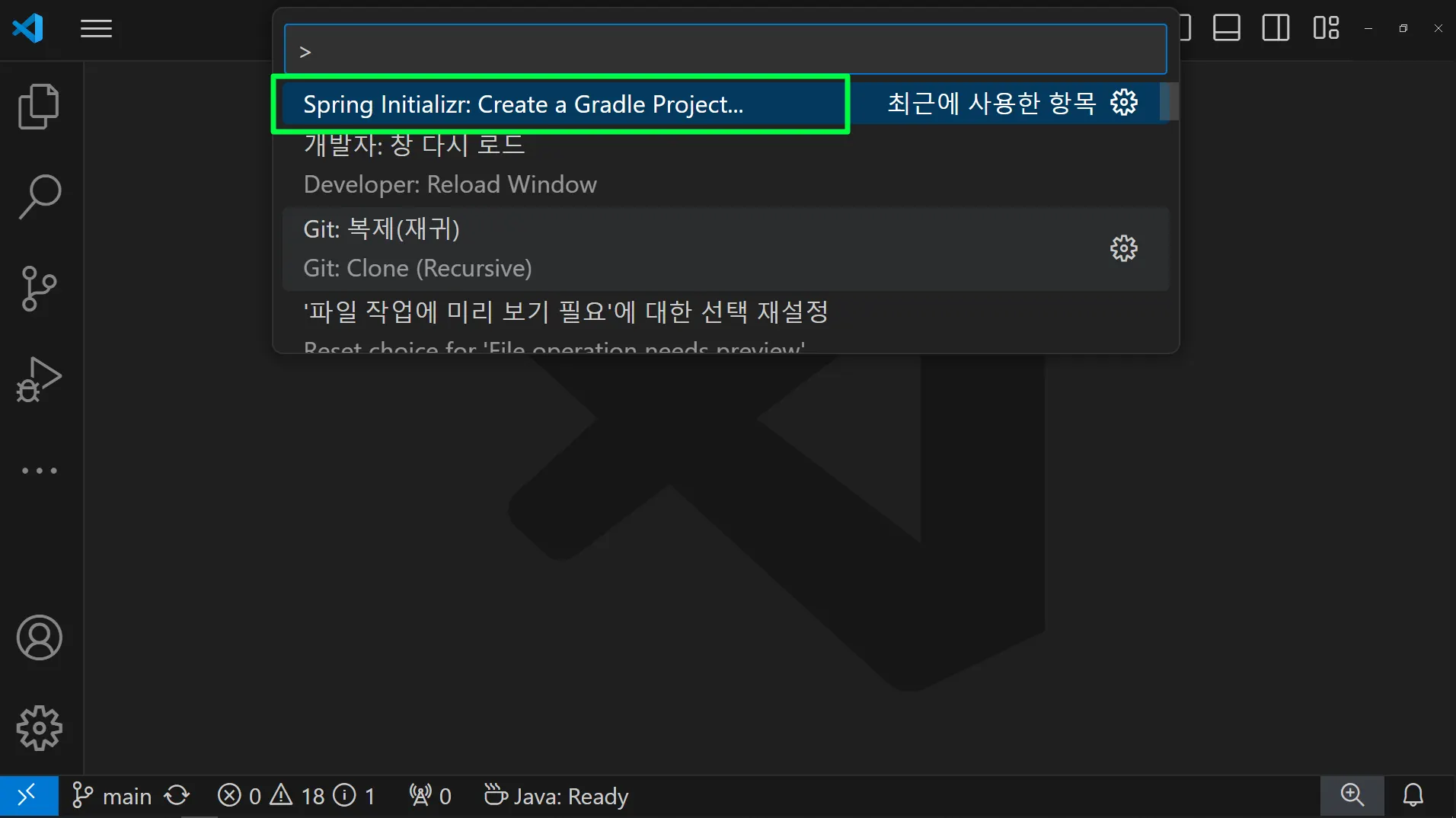
프로젝트 설정
1.
Spring Boot Version
2.
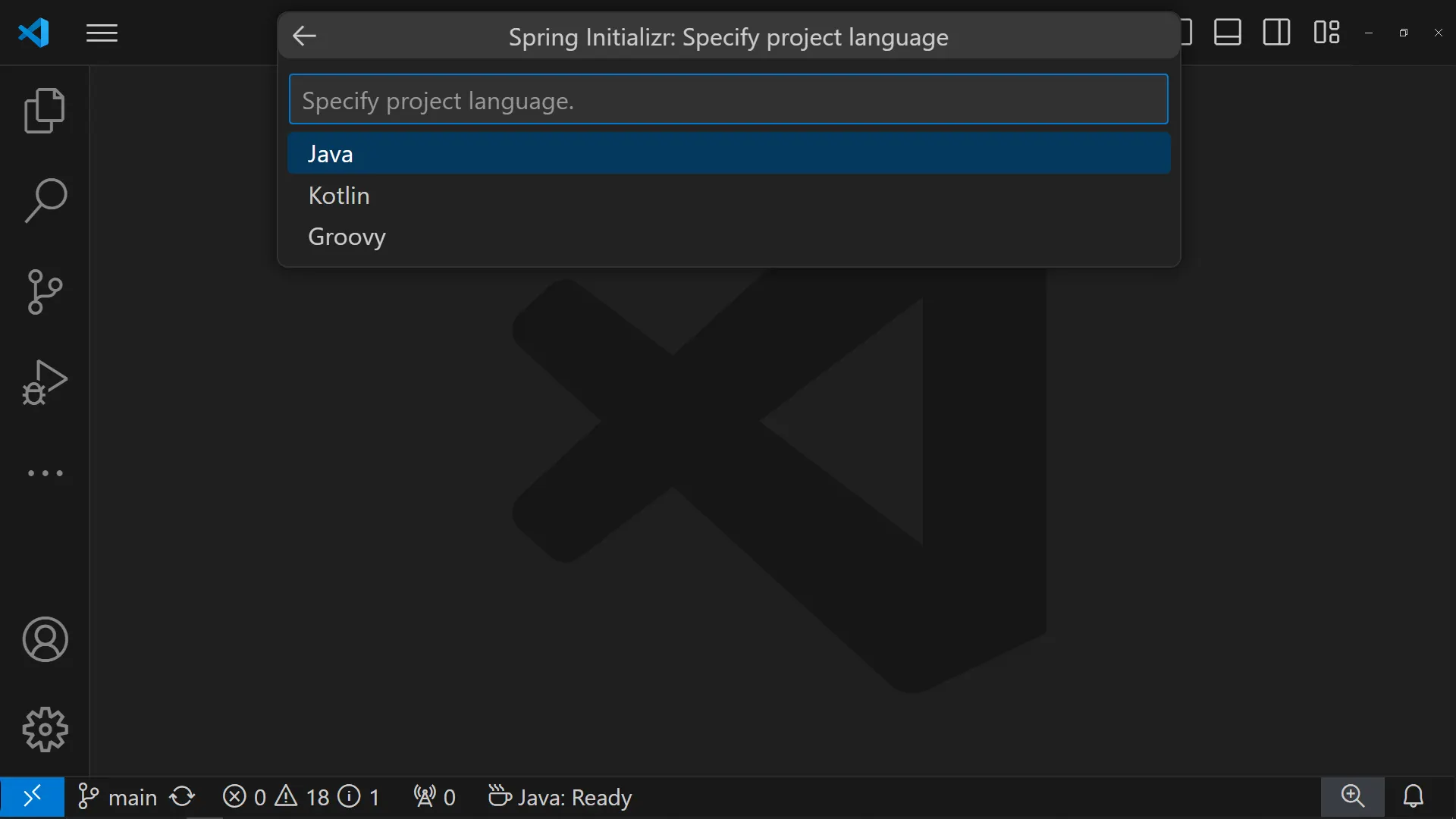
Language
3.
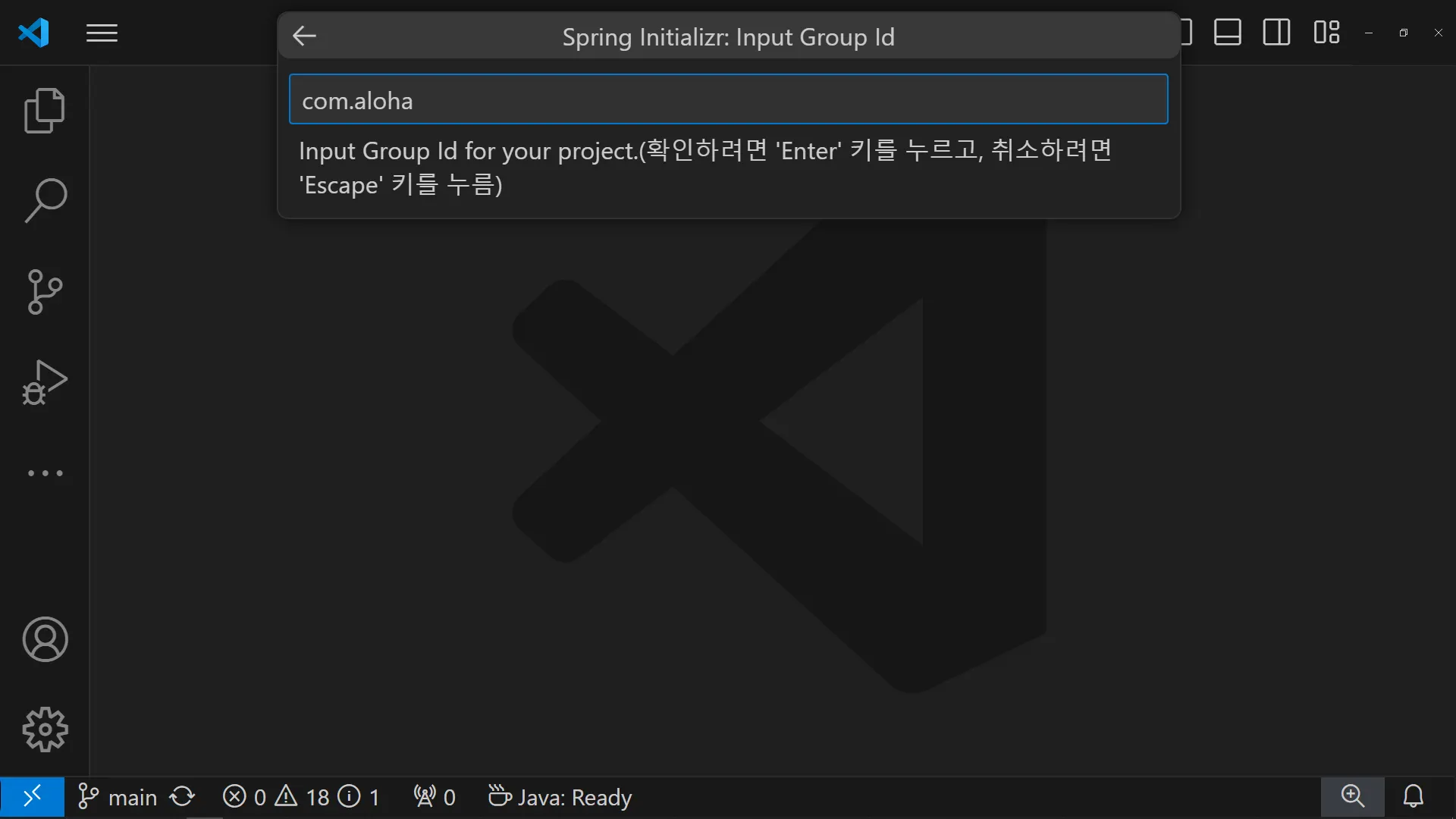
Group Id
4.
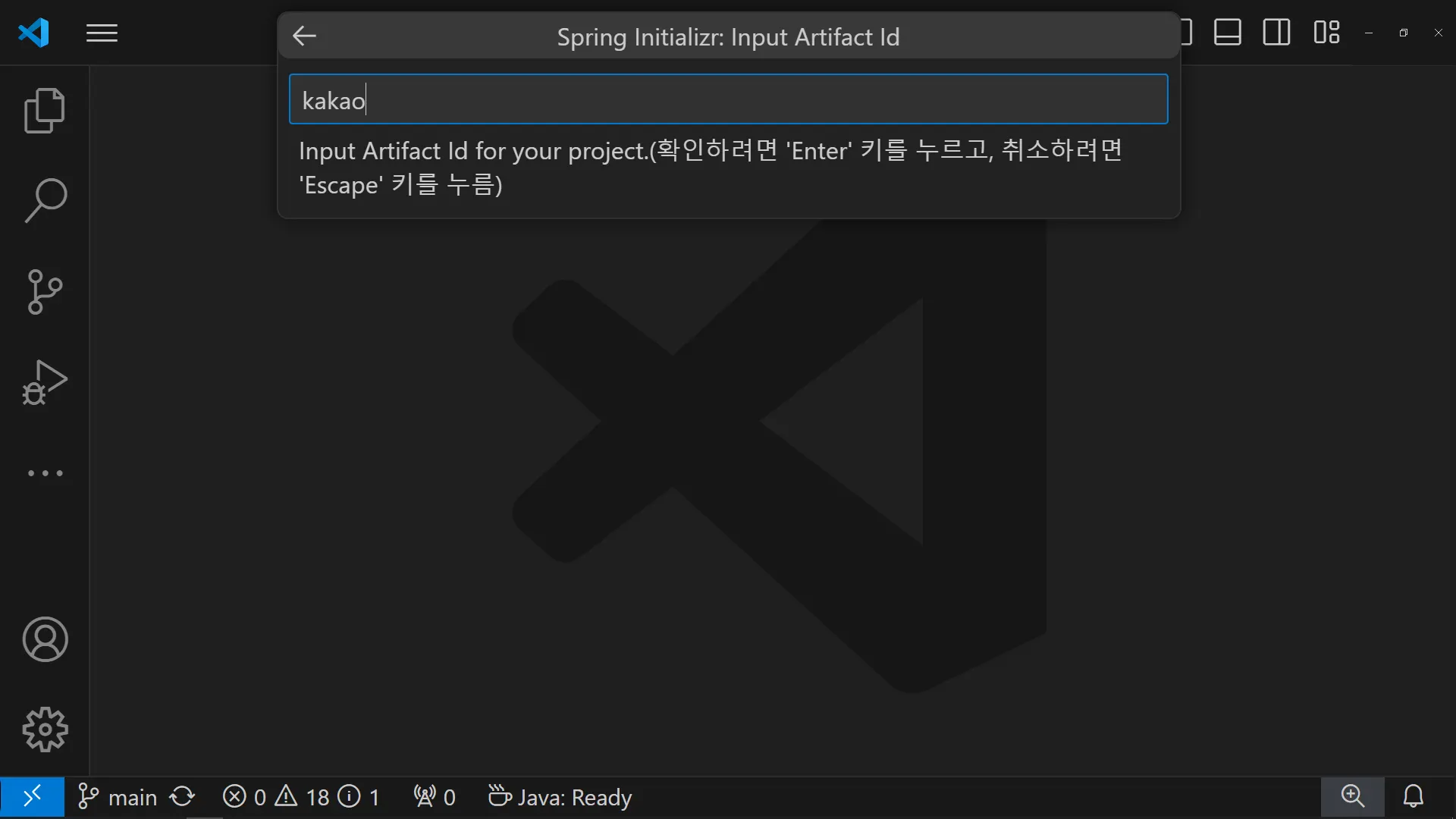
Artifact Id
5.
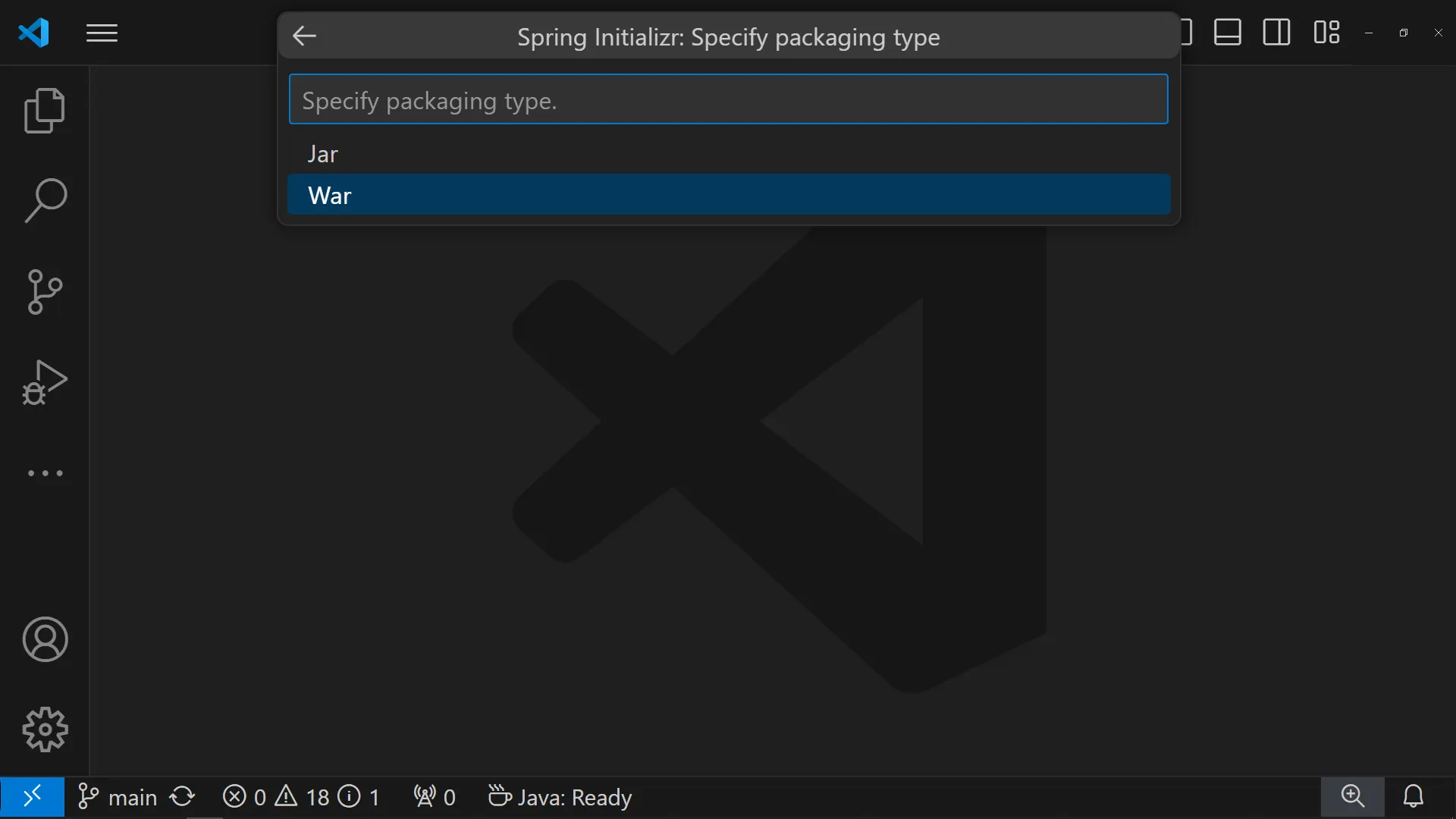
packaging type
6.
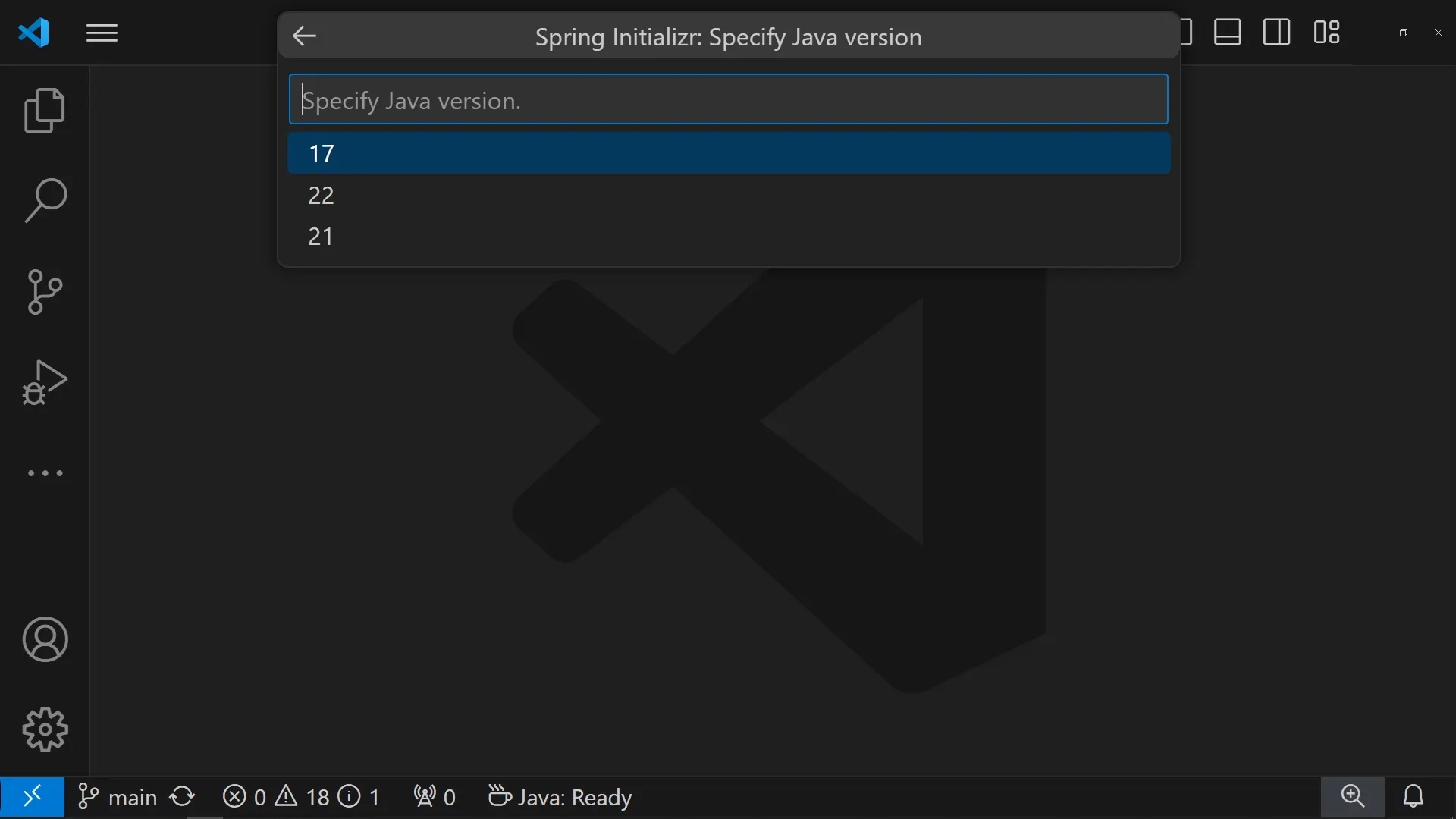
Java version
Spring Boot Version
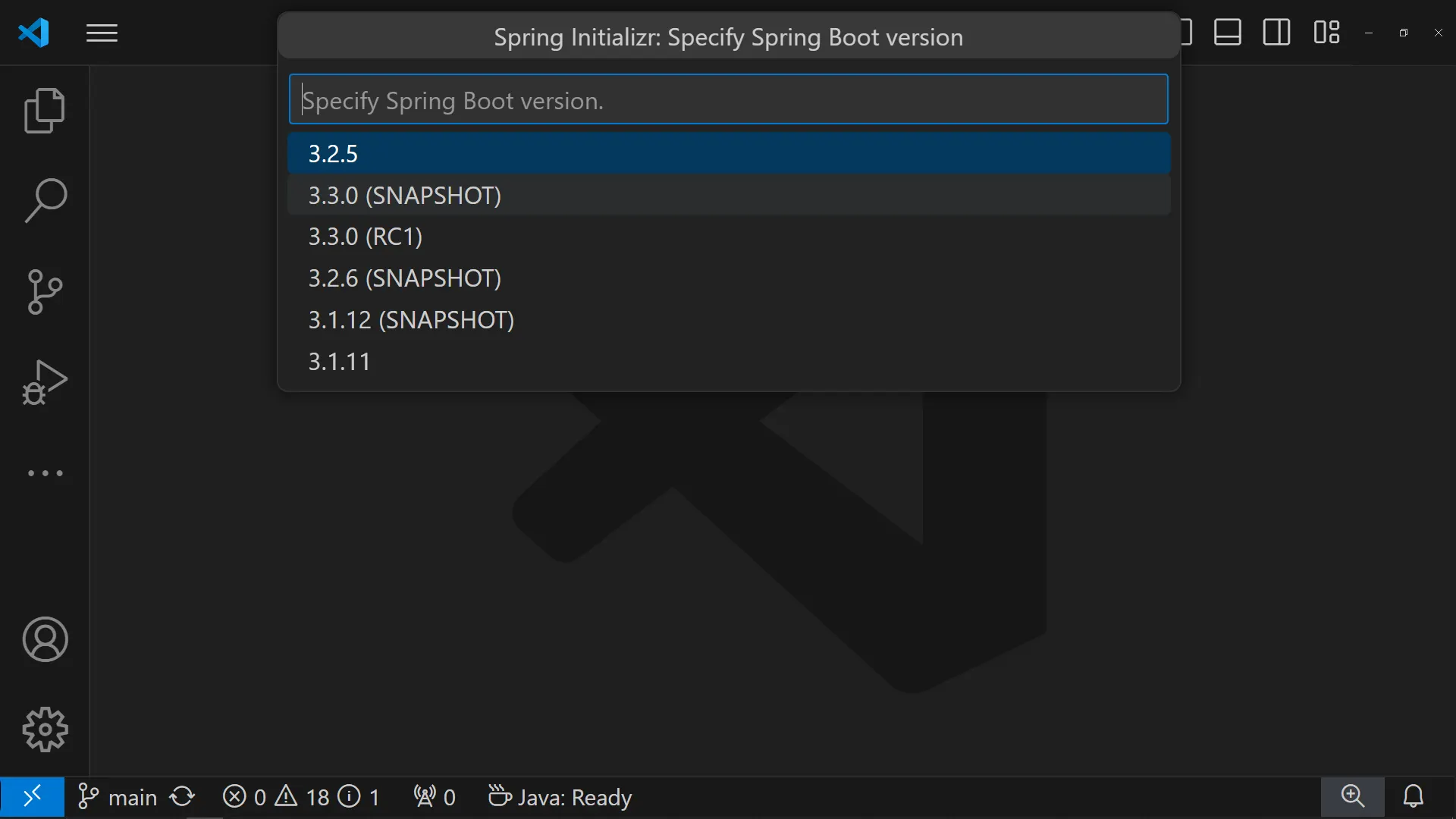
Language
Group Id
Artifact Id
packaging type
Java version
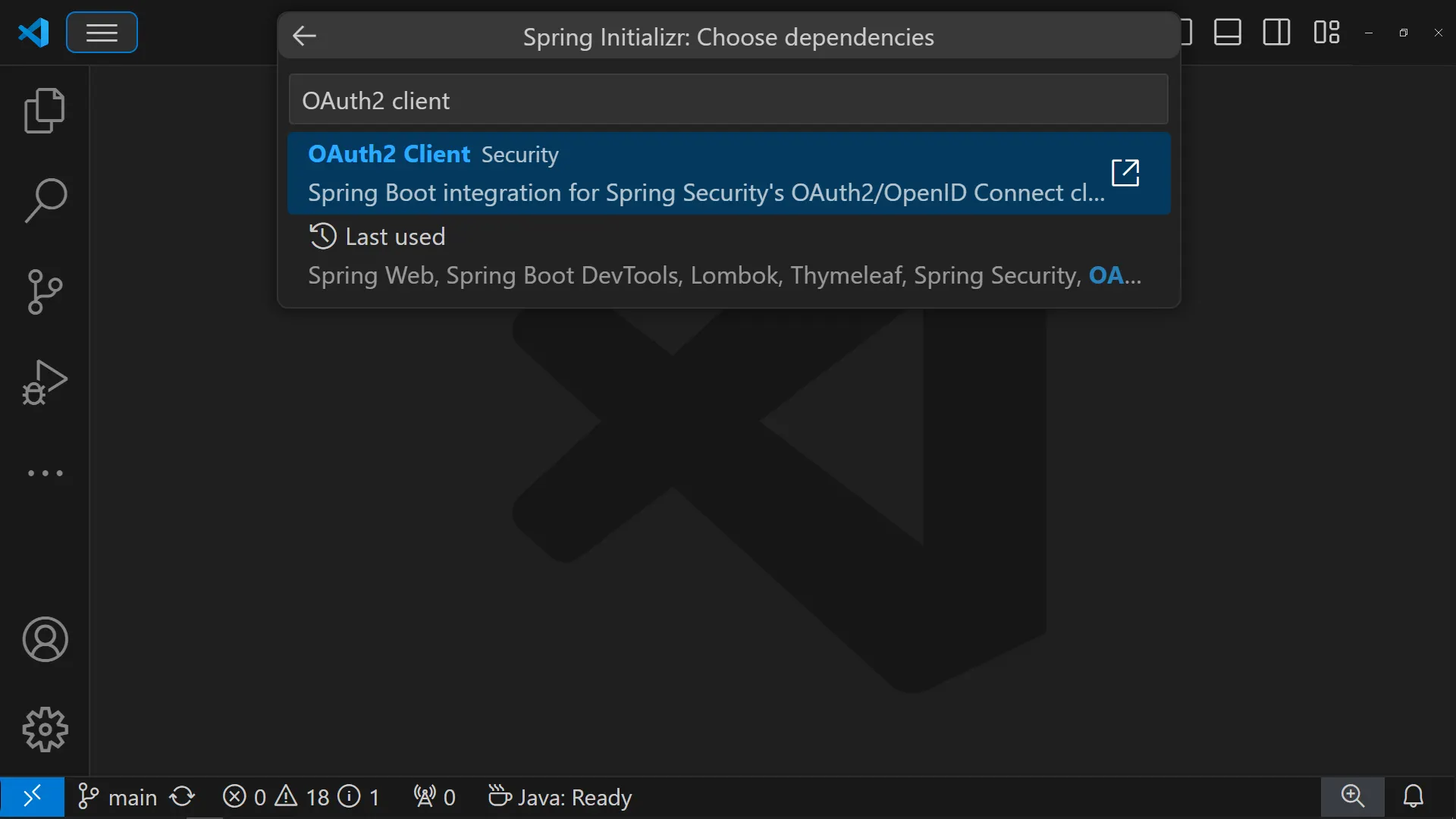
의존성 설정
1.
Spring Web
2.
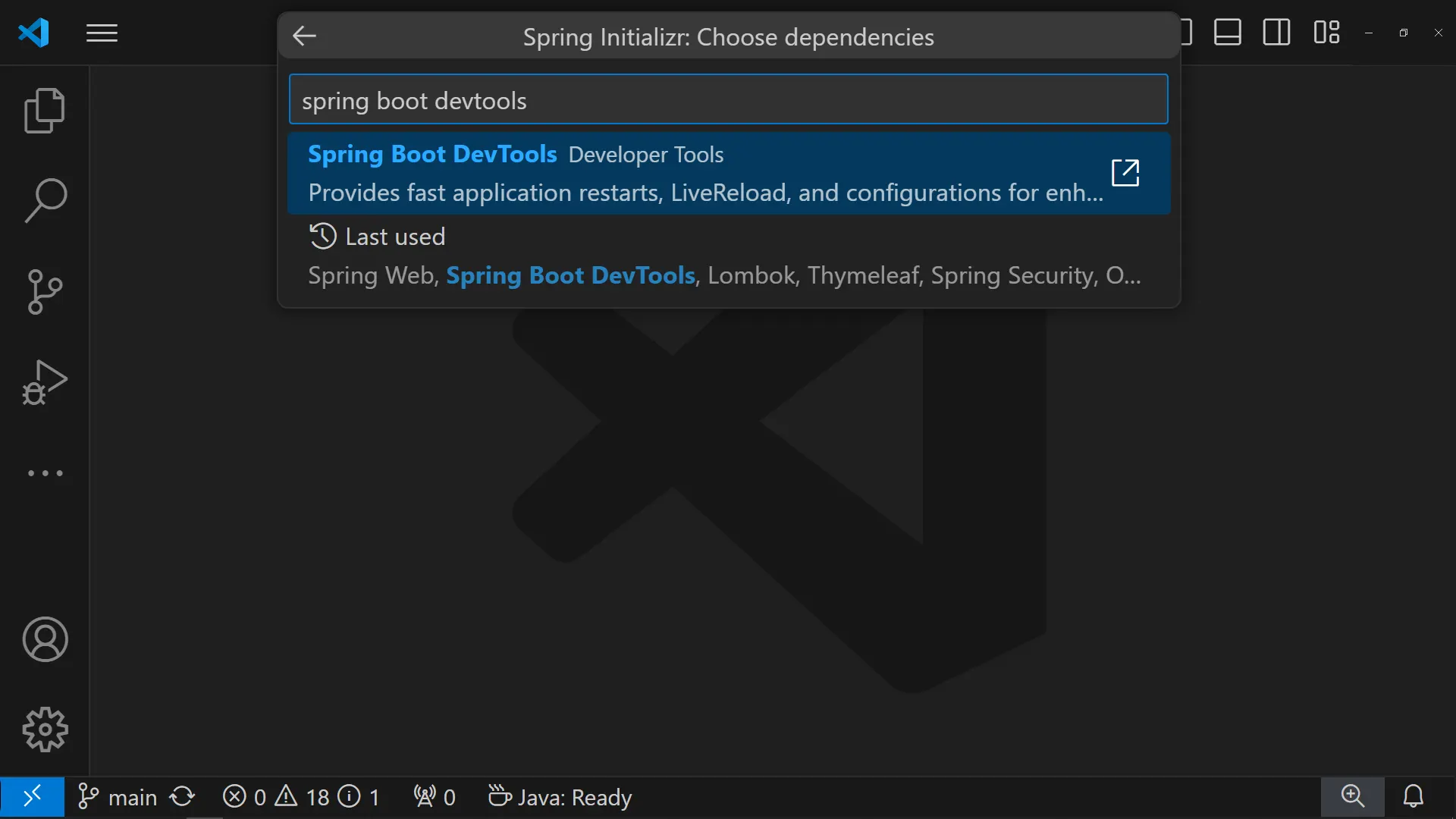
Spring boot devtools
3.
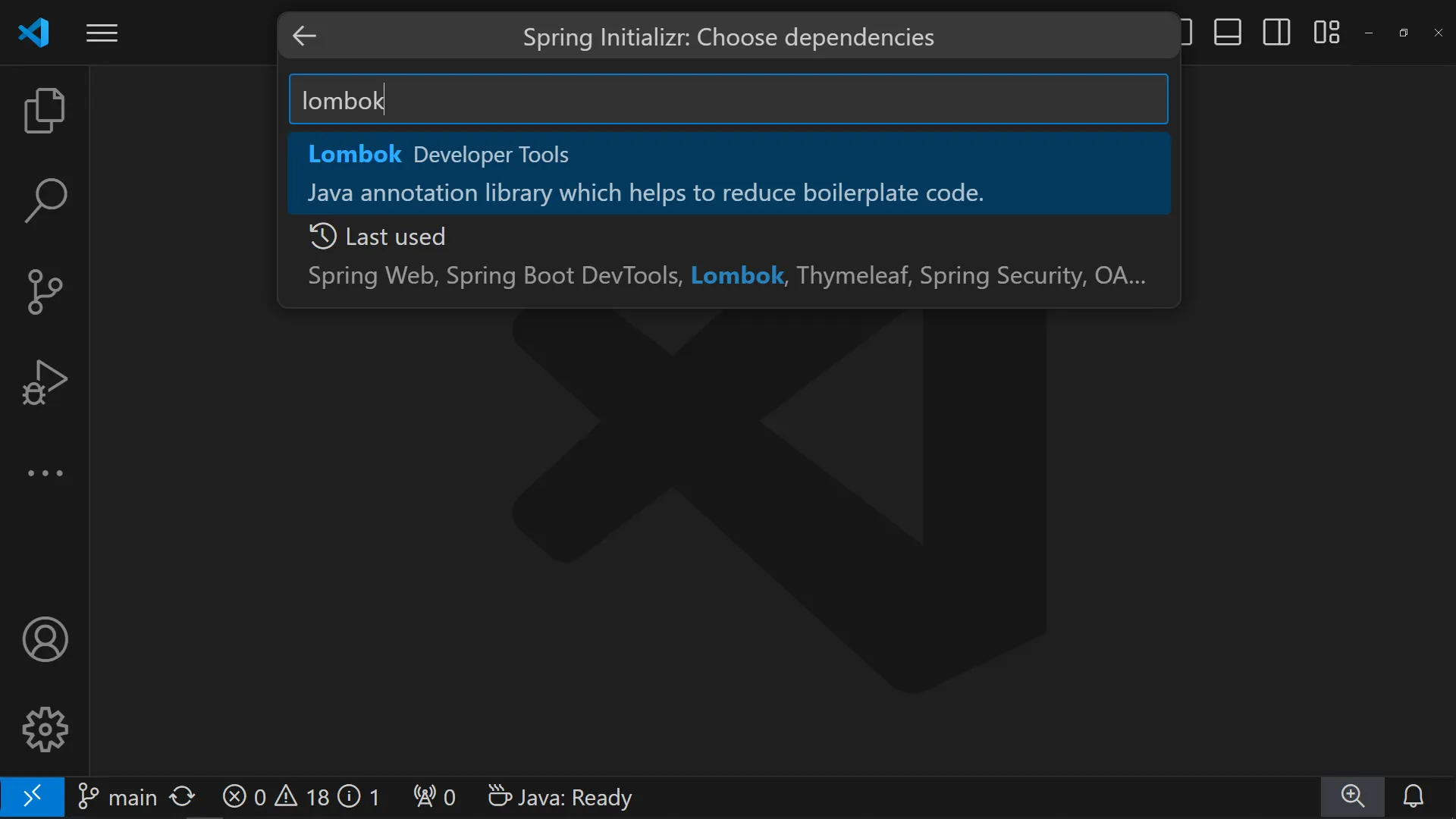
Lombok
4.
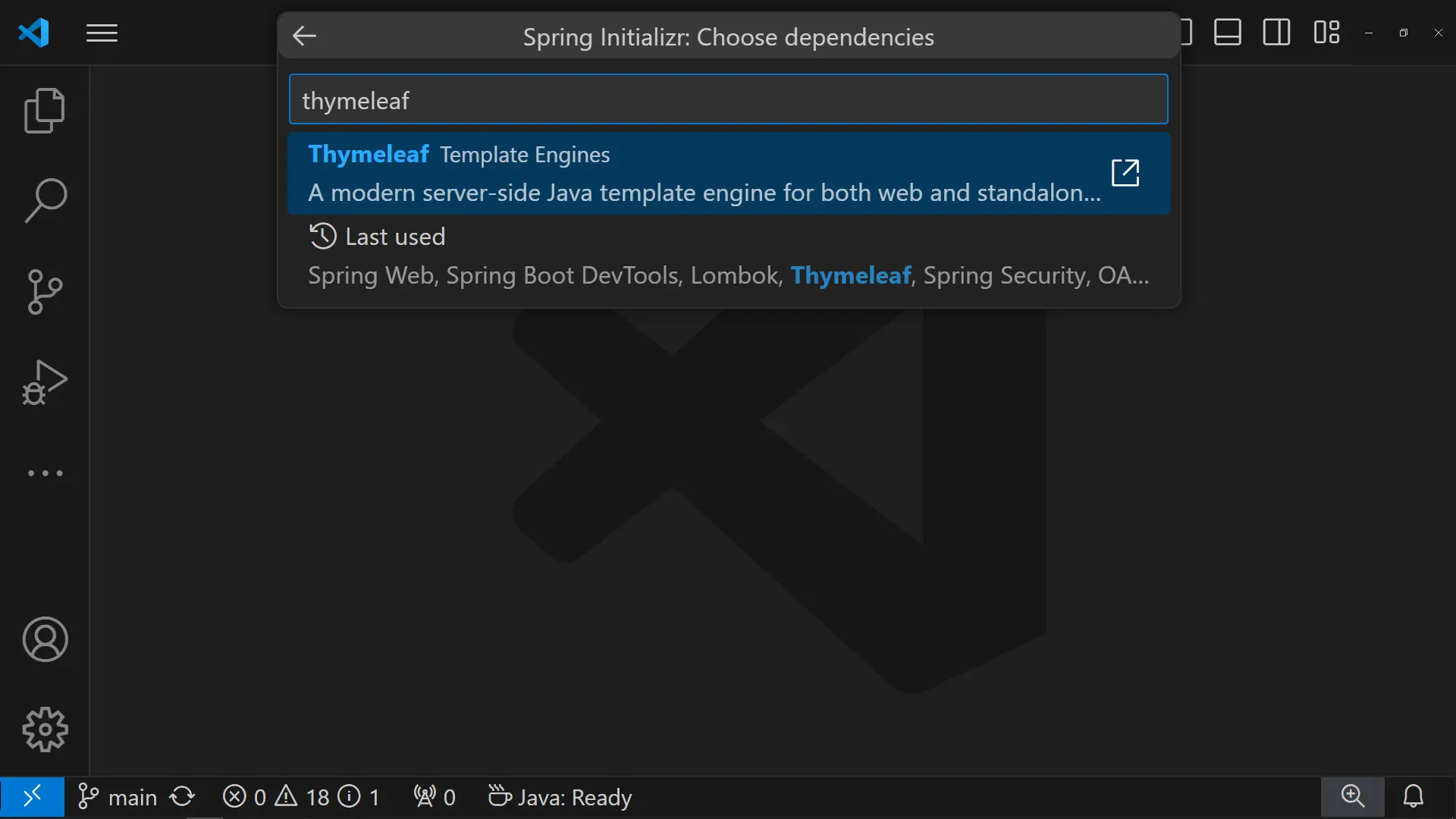
Thymeleaf
5.
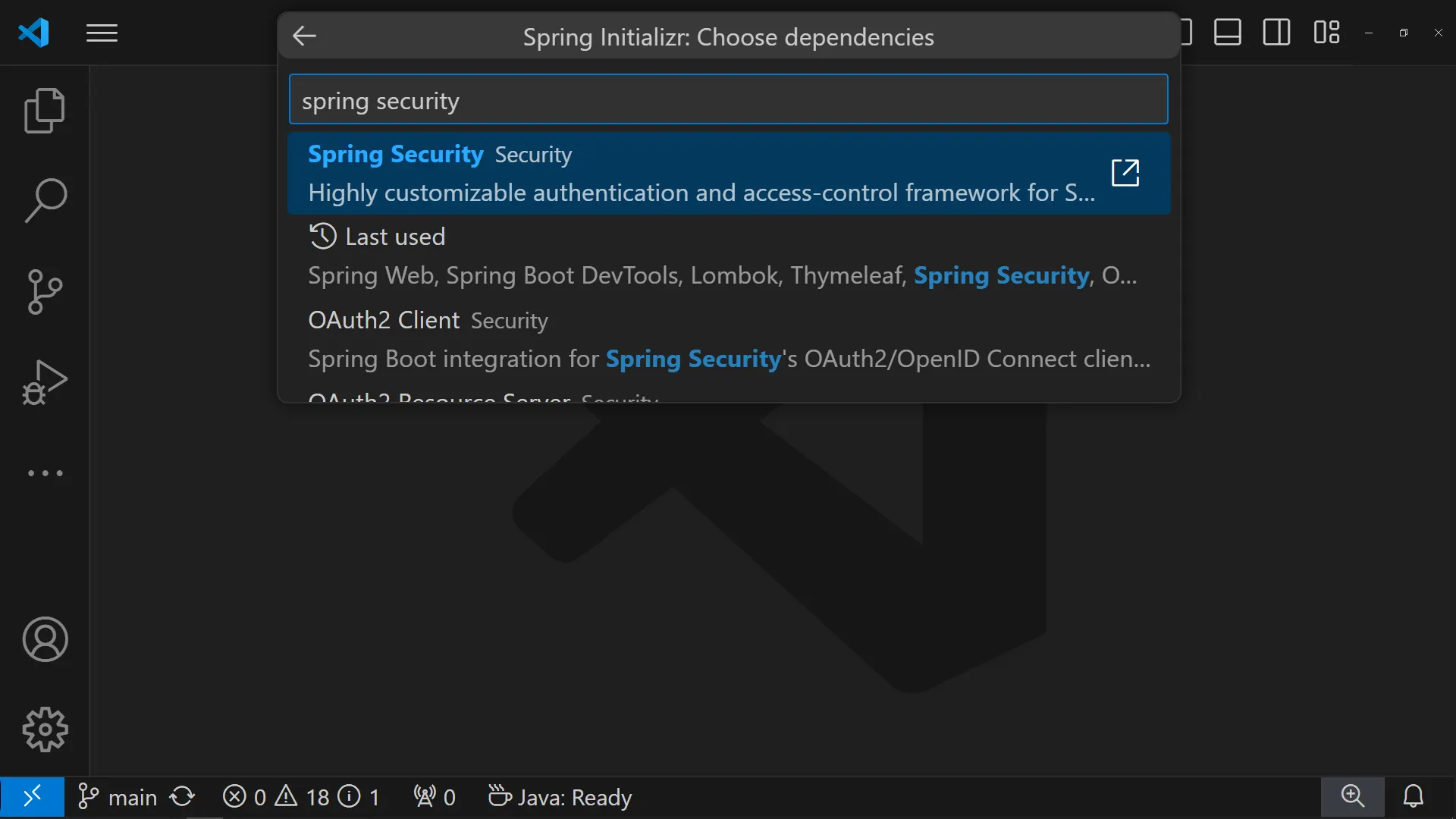
Spring Security
6.
OAuth2 Client
Spring Web
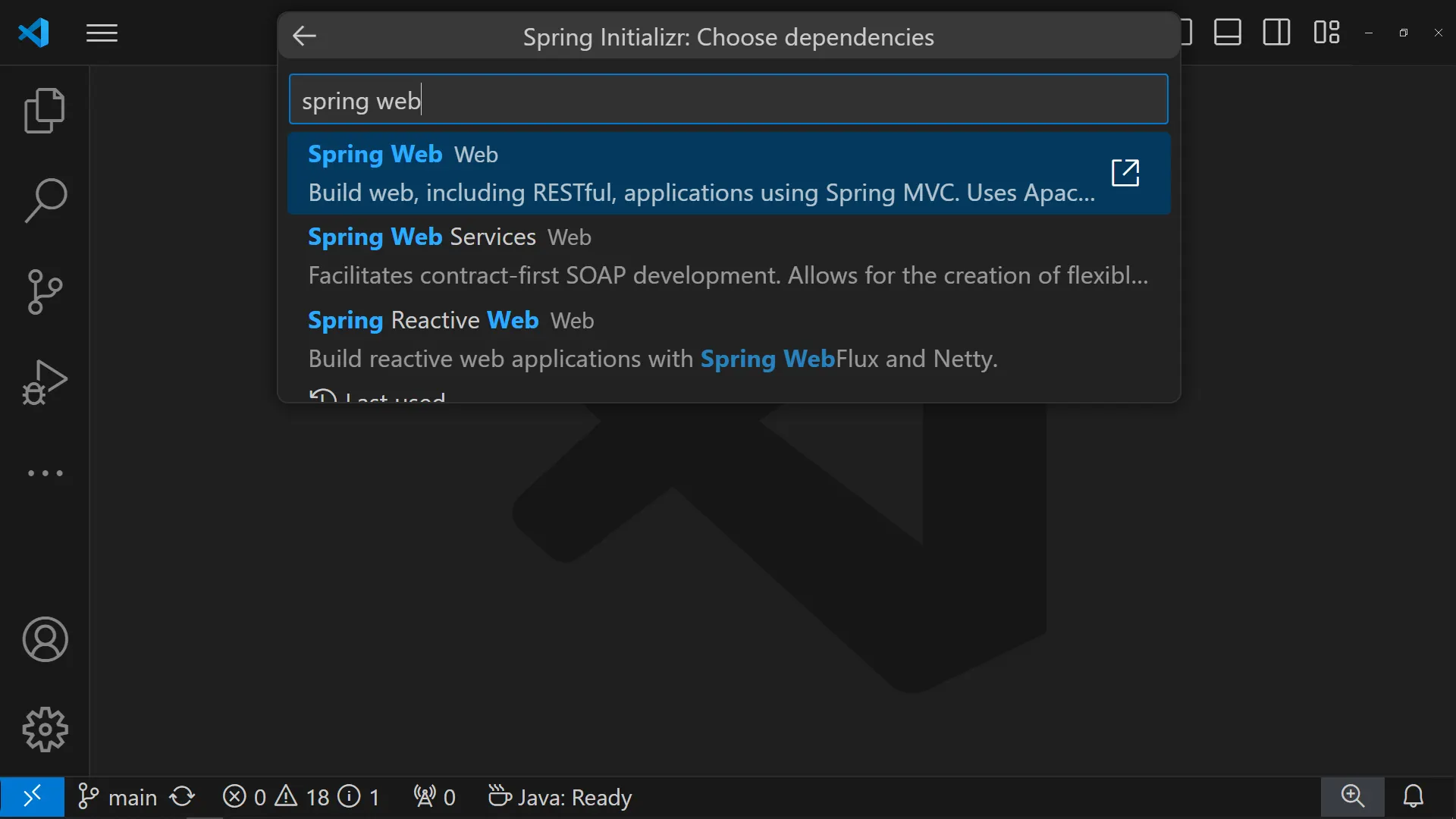
Spring boot devtools
Lombok
Thymeleaf
Spring Security
OAuth2 Client
build.gradle
 spring boot 2.x.x spring security 5.x.x
plugins {
id 'java'
id 'war'
id 'org.springframework.boot' version '2.7.17'
id 'io.spring.dependency-management' version '1.0.15.RELEASE'
}
group = 'com.aloha'
version = '0.0.1-SNAPSHOT'
java {
sourceCompatibility = '17'
}
configurations {
compileOnly {
extendsFrom annotationProcessor
}
}
repositories {
mavenCentral()
}
dependencies {
implementation 'org.springframework.boot:spring-boot-starter-oauth2-client'
implementation 'org.springframework.boot:spring-boot-starter-security'
implementation 'org.springframework.boot:spring-boot-starter-thymeleaf'
implementation 'org.springframework.boot:spring-boot-starter-web'
implementation 'org.thymeleaf.extras:thymeleaf-extras-springsecurity5'
compileOnly 'org.projectlombok:lombok'
developmentOnly 'org.springframework.boot:spring-boot-devtools'
annotationProcessor 'org.projectlombok:lombok'
providedRuntime 'org.springframework.boot:spring-boot-starter-tomcat'
testImplementation 'org.springframework.boot:spring-boot-starter-test'
testImplementation 'org.springframework.security:spring-security-test'
testRuntimeOnly 'org.junit.platform:junit-platform-launcher'
}
tasks.named('test') {
useJUnitPlatform()
}
Java
복사
프로젝트 설정
•
profile 파일 생성하기
◦
application-oauth.properties•
profile 파일 포함하기
◦
application.properties spring.profiles.include=oauth
Plain Text
복사
profile 파일 생성하기
Kakao Devleoper 사이트에서 앱 설정 정보를 가져온다.
REST API KEY Client Secret위 페이지에서 카카오 사이트에서 애플리케이션 추가 및 설정 정보를 가져오는 내용에 대하여 다룹니다.
application-oauth.properties
#Kakao OAuth Settings
# client-id : REST API KEY
spring.security.oauth2.client.registration.kakao.client-id=[REST API KEY]
# client-secret : 내 애플리케이션 > 보안 > Client secret
spring.security.oauth2.client.registration.kakao.client-secret=[Client Secret]
# redirect-uri : 사용자가 카카오로 로그인 후 돌아올 서버의 URL
spring.security.oauth2.client.registration.kakao.redirect-uri=http://localhost:8080/login/oauth2/code/kakao
# authorization-grant-type : 액세스 토큰 요청 시, 유형을 지정하는 헤더 속성
spring.security.oauth2.client.registration.kakao.authorization-grant-type=authorization_code
# scope : 사용자 정보 요청 범위를 지정하는 속성
# ✅ biz 계정(사업자등록번호)일 경우에만 email 요청이 가능
# spring.security.oauth2.client.registration.kakao.scope=profile_nickname, account_email, profile_image
spring.security.oauth2.client.registration.kakao.scope=profile_nickname, profile_image
# client-name : 클라이언트를 구분하기 위한 이름
spring.security.oauth2.client.registration.kakao.client-name=Kakao
# client-authentication-method : 인증 서버로 요청 시, 지정할 요청 메소드
spring.security.oauth2.client.registration.kakao.client-authentication-method=POST
# authorization-uri : 인가 코드 요청 URI (인증 서버)
spring.security.oauth2.client.provider.kakao.authorization-uri=https://kauth.kakao.com/oauth/authorize
# token-uri : 액세스 토큰 요청 URI (인증 서버)
spring.security.oauth2.client.provider.kakao.token-uri=https://kauth.kakao.com/oauth/token
# user-info-uri : 사용자 정보 요청 URI (리소스 서버)
spring.security.oauth2.client.provider.kakao.user-info-uri=https://kapi.kakao.com/v2/user/me
# user-name-attribute : 사용자 정보를 고유 식별가 키 속성
spring.security.oauth2.client.provider.kakao.user-name-attribute=id
Java
복사
profile 파일 포함하기
application.properties
spring.application.name=kakao
# application-oauth.propeties 파일 포함하기
spring.profiles.include=oauth
Java
복사
application-[프로필명].properties 형태로 프로필 파일을 생성하면, application.properties 파일에서 spring.profiles.include 속성으로 프로필명을 지정하여 불러올 수 있습니다.
application.properties 파일에서 spring.profiles.include 속성으로 프로필명을 지정하여 불러올 수 있습니다.스프링 시큐리티 설정
~/config/SecurityConfig.java
@EnableWebSecurity
@Configuration
public class SecurityConfig {
/**
* 🔐 스프링 시큐리티 설정 메소드
* @param http
* @return
* @throws Exception
*/
@Bean
public SecurityFilterChain securityFilterChain(HttpSecurity http) throws Exception {
// 👩💼 인가 설정
http.authorizeRequests(requests -> requests
.antMatchers("/").permitAll()
.anyRequest().authenticated());
// 👩💻🔐 OAuth2 로그인 기능 활성화
http.oauth2Login(withDefaults());
return http.build();
}
}
Java
복사
요청 경로 매핑
~/controller/HomeController.java
•
메인 화면
◦
: /◦
index.htmlHomeController.java
@Slf4j
@Controller
public class HomeController {
/**
* 메인 화면
* 🔗 [GET] - /
* 📄 index.html
* @return
*/
@GetMapping("/")
public String home() {
log.info(":::::::::: 메인 화면 ::::::::::");
return "/index";
}
}
Java
복사
index.html
<!DOCTYPE html>
<html xmlns:th="http://www.thymeleaf.org"
xmlns:sec="http://www.thymeleaf.org/thymeleaf-extras-springsecurity5">
<head>
<meta charset="UTF-8">
<meta name="viewport" content="width=device-width, initial-scale=1.0">
<title>OAuth</title>
<!-- bootstrap css -->
<link href="https://cdn.jsdelivr.net/npm/bootstrap@5.3.1/dist/css/bootstrap.min.css" rel="stylesheet">
</head>
<body>
<div class="container col-10 col-lg-4">
<div class="px-4 py-5 mt-5 text-center">
<h1 class="display-5 fw-bold text-body-emphasis">메인 화면</h1>
</div>
<!-- 비 로그인 시 -->
<th:block sec:authorize="isAnonymous()">
<div class="d-grid gap-2">
<a href="/login" class="btn btn-lg btn-primary">로그인</a>
</div>
</th:block>
<!-- 로그인 시 -->
<th:block sec:authorize="isAuthenticated()">
<div class="card">
<div class="inner p-4">
<div class="d-flex flex-column align-items-center">
<div class="item my-2 w-100">
<span sec:authentication="principal">아이디</span>
</div>
</div>
</div>
</div>
<form action="/logout" method="post">
<!-- CSRF TOKEN -->
<input type="hidden" th:name="${_csrf.parameterName}" th:value="${_csrf.token}">
<div class="d-grid gap-2">
<button type="submit" class="btn btn-lg btn-primary">로그아웃</button>
</div>
</form>
</th:block>
</div>
<!-- bootstrap js -->
<script src="https://cdn.jsdelivr.net/npm/bootstrap@5.3.1/dist/js/bootstrap.bundle.min.js"></script>
</body>
</html>
HTML
복사